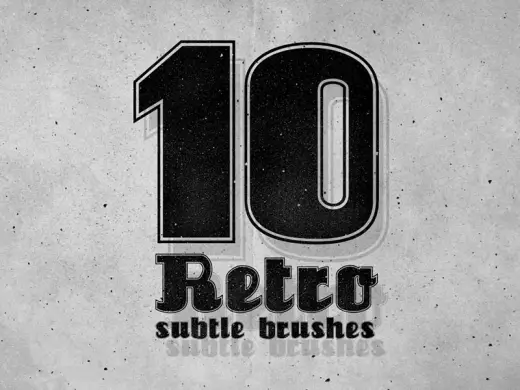
10 Photoshop Subtle Brushes
MarkTexture
PriceFree
AuthorDesignSomething
Format.brushset / .brush, .abr, .bundle / .kpp
Added14 July 2015
Sourcemyphotoshopbrushes.com
A pack of 10 Photoshop Subtle Brushes designed to achieve retro, vintage, and grunge effects. You can apply them to your text, images, logos, badges, or backgrounds. These brushes are ideal for adding understated texture and aged character to any design project.
Brushes that make a similar mark
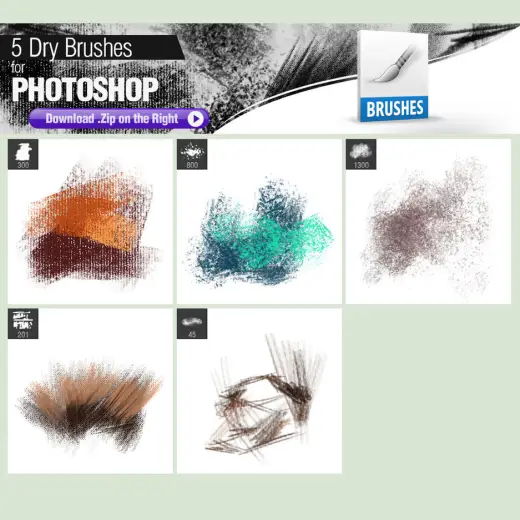
5 Dry Brushes
Texture for Procreate, Photoshop & Krita, free
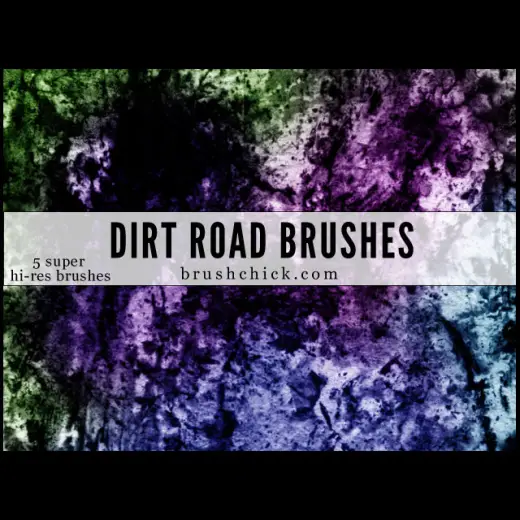
Dirt Road Brushes
Texture for Procreate, Photoshop & Krita, free
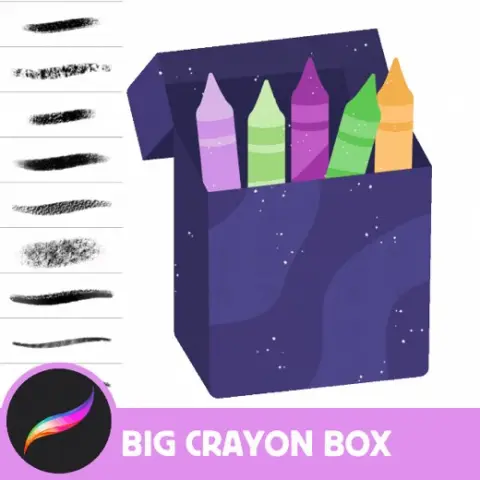
Versatile Crayon Brush Set - 55 Procreate Crayon Textures for All Art Styles, Oil Pastels, Chalky, Wax
Texture for Procreate, paid
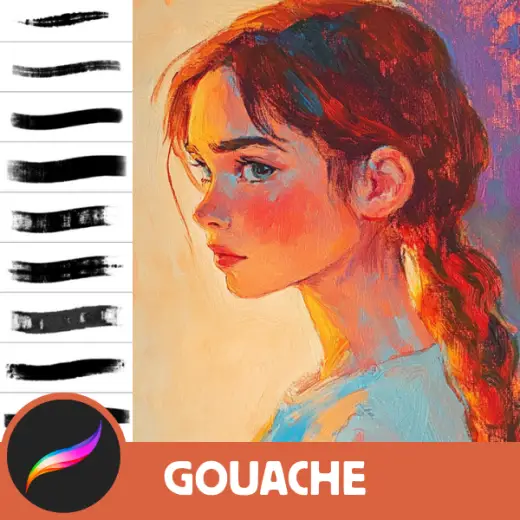
Ultimate Gouache Brush Set for Procreate - 13 Realistic Gouache Texture Brushes for Digital Art, Anime, and Comics
Texture for Procreate, paid
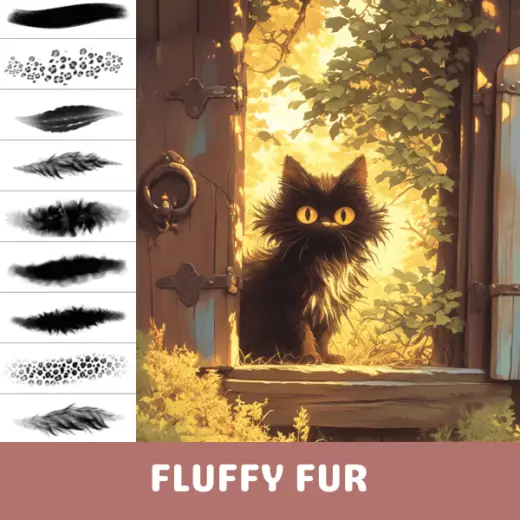
Procreate Brushes: Fur Fantasy, Fur Brushes for Realistic and Textured Digital Art
Texture for Procreate, paid
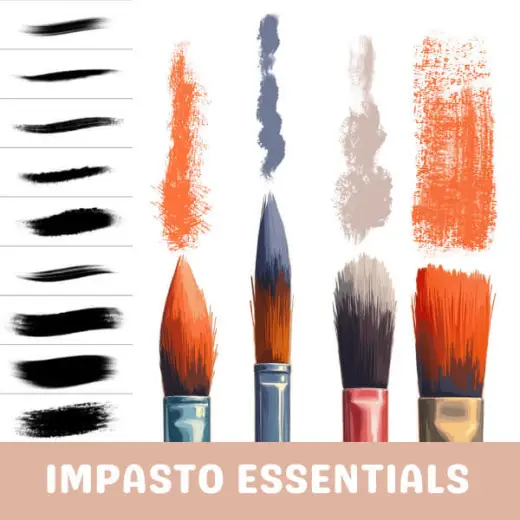
Procreate Brushes: Essential Oily Impasto Set, 62 Texture Brushes for Oil Painting, Thick Strokes, Rich Layers, and Real
Texture for Procreate, paid
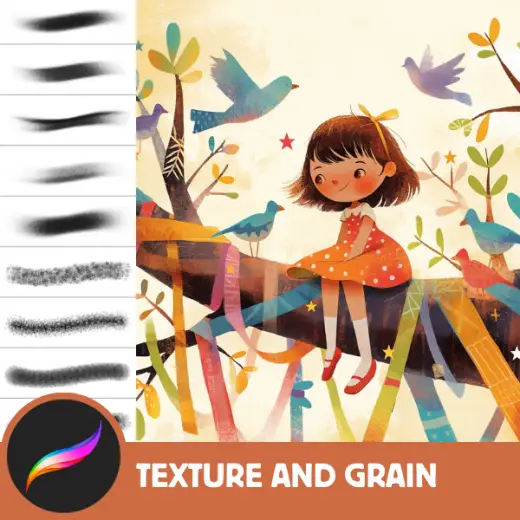
Procreate Brushes: Noise & Grain Symphony, 200+ Noise, Grain, and Texture Brushes for Richly Textured Digital Art, Dynam
Texture for Procreate, paid
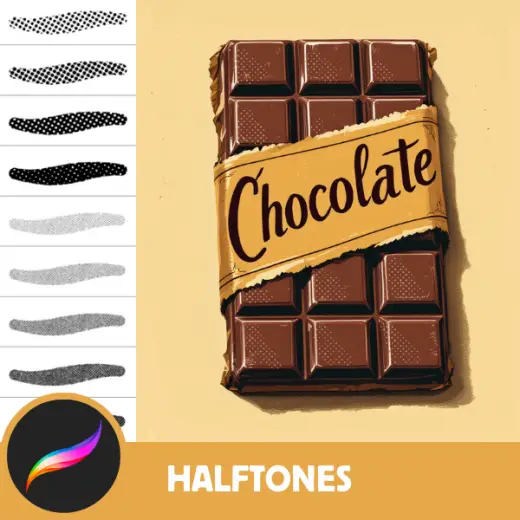
200+ Advanced Halftone Brushes for Retro Art and Comics - Procreate Tool
Texture for Procreate, paid