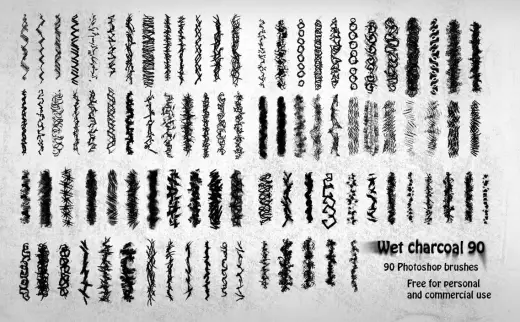
90 Wet Charcoal Photoshop Brushes
MarkPencil
PriceFree
AuthorDaniel Nagy
Format.brushset / .brush, .abr, .bundle / .kpp
Added13 June 2016
Sourcemyphotoshopbrushes.com
You can use 90 Wet Charcoal PS brushes in personal and commercial work; credit is unnecessary, but feedback is always appreciated. The pack was created by dipping charcoal in water and making marks on white paper. Download, use it, and have fun!
Brushes that make a similar mark
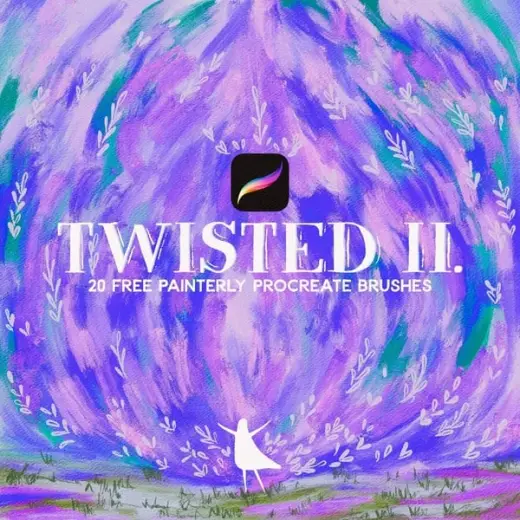
Twisted Vol. 2. - Another 20 free procreate brushes - paint, pastel, pencil, ink!
Pencil for Procreate, free
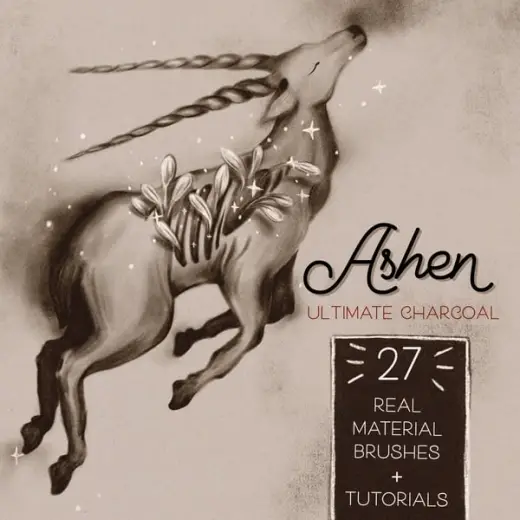
🖤 ASHEN ultimate real feel charcoal brushes for Procreate
Pencil for Procreate, free
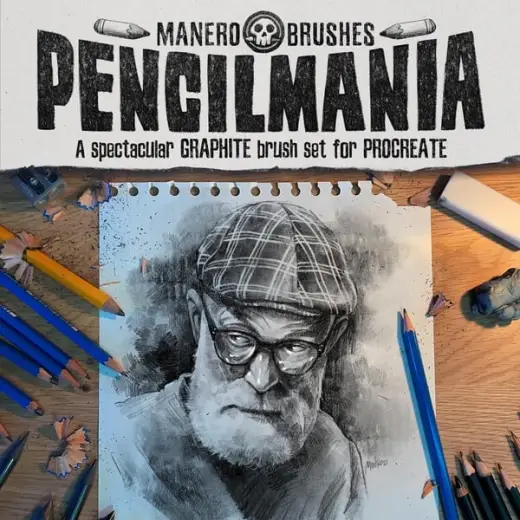
Pencilmania: A Spectacular Graphite Brush Set for Procreate
Pencil for Procreate, paid
Pencil Procreate brushesPencil Procreate brushes
Pencil for Procreate, free
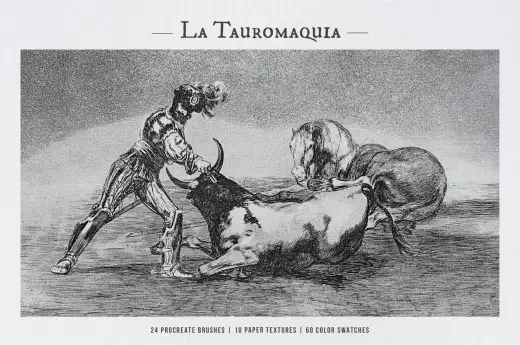
La Tauromaquia Procreate Kit
Pencil for Procreate, free
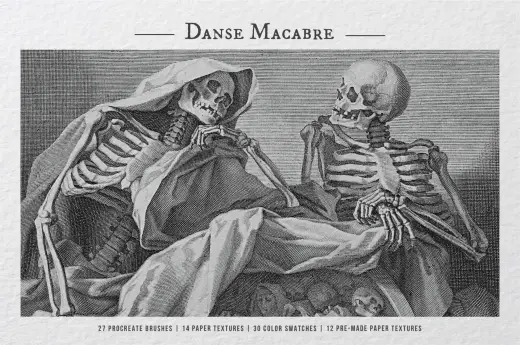
The Danse Macabre Procreate Kit
Pencil for Procreate, free
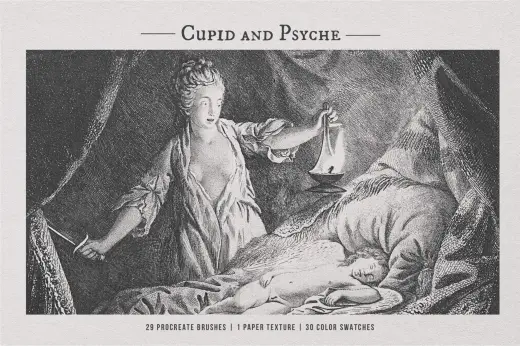
Cupid and Psyche Procreate Brush
Pencil for Procreate, free
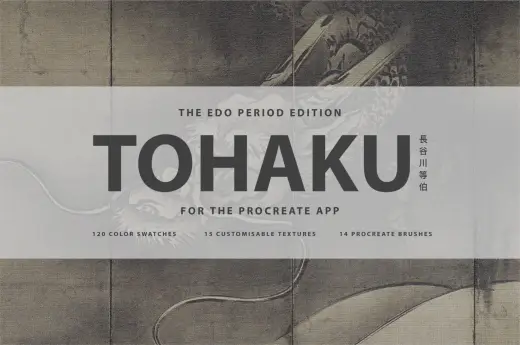
Hasegawa Tohaku Procreate Brush
Pencil for Procreate, free