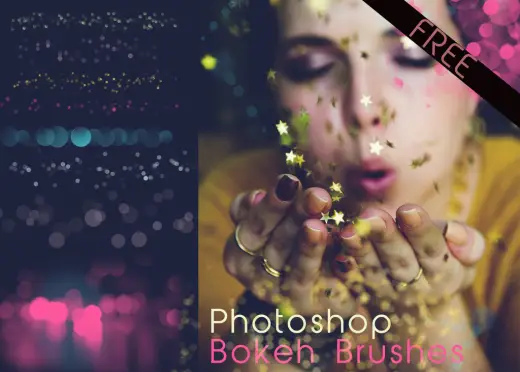
Bokeh Photoshop Brushes
MarkGlow & Shimmer, Effects
PriceFree
AuthorCharlotte Salcedo
Format.brushset / .brush, .abr, .bundle / .kpp
Added13 September 2017
Sourcemyphotoshopbrushes.com
With this brush pack, you can achieve a great bokeh effect without buying expensive lenses. The brushes produce realistic, soft-focus light circles that are perfect for enhancing portrait photography, creating dreamy backgrounds, and adding a magical atmosphere to your designs.
Brushes that make a similar mark
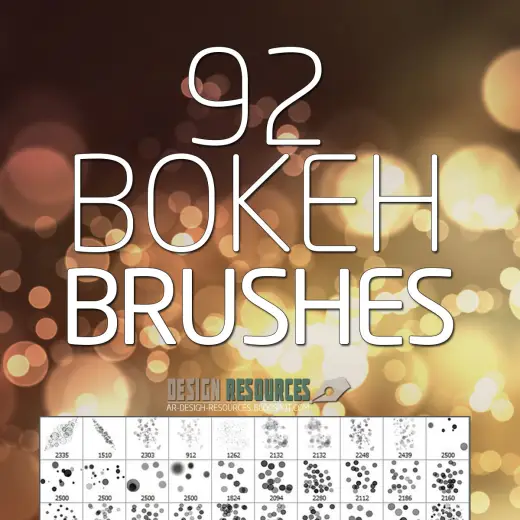
Bokeh PS Brushes Free Pack
Glow & Shimmer for Procreate, Photoshop & Krita, free
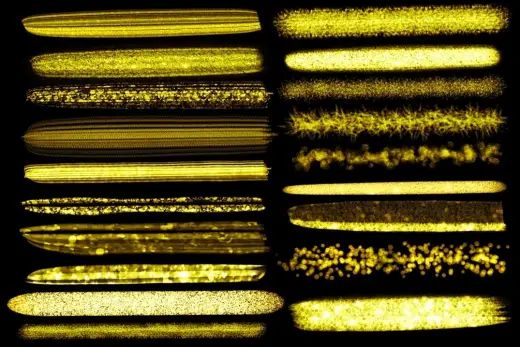
Procreate Brush set - Glitter Metallic Brush pack | Design 2 Last
Glow & Shimmer for Procreate, paid
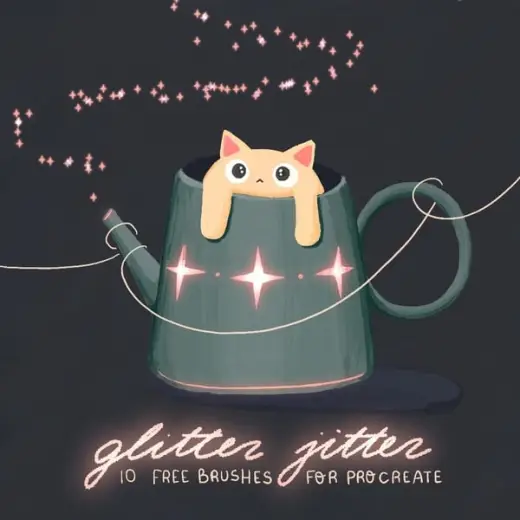
Glitter jitter - 10 free glitter brushes for Procreate
Glow & Shimmer for Procreate, free
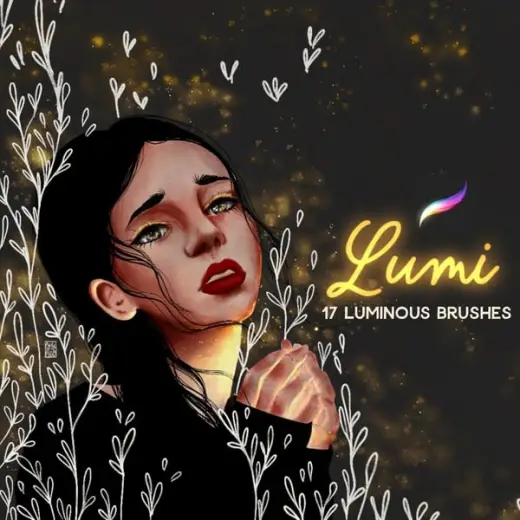
Lumi - A luminous pack of 17 glowing procreate brushes
Glow & Shimmer for Procreate, paid
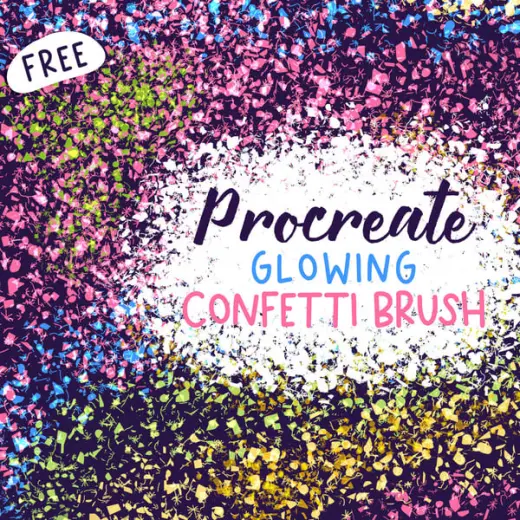
Free Procreate Glowing Confetti Brush
Glow & Shimmer for Procreate, free
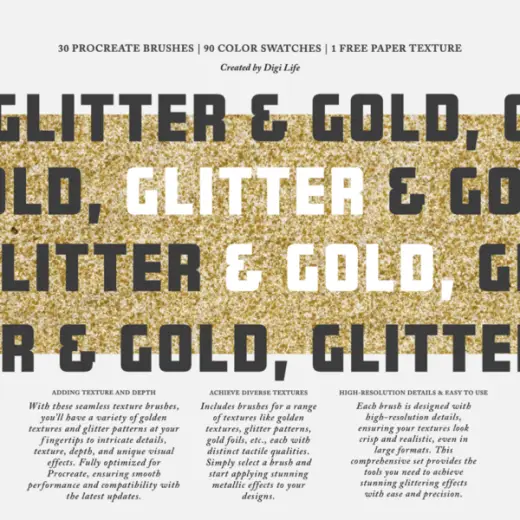
Gold & Glitter (2024) Procreate Brushes
Glow & Shimmer for Procreate, free
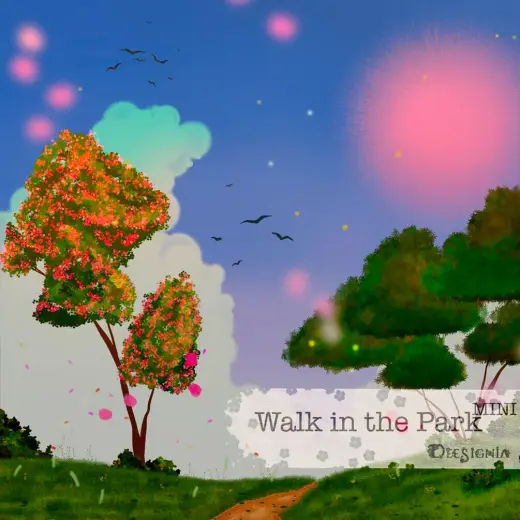
Walk in the Park – Mini Brushset – Procreate
Glow & Shimmer for Procreate, free
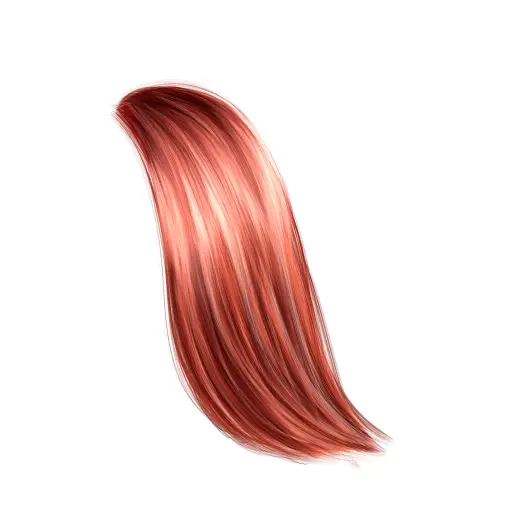
Kalaida’s free realistic hair brush
Glow & Shimmer for Procreate, free