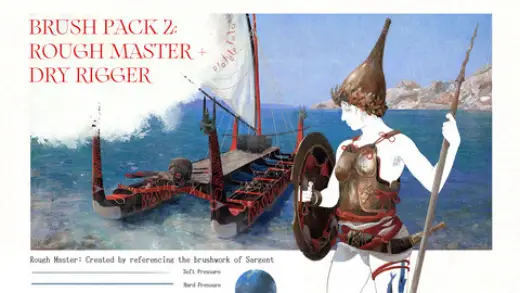
Brush - Curated Selection 2 : Rough Master and Dry Rigger
MarkBrush pack
PricePaid
AuthorMassimiliano Haematinon Nigro
Format.brushset / .brush, .abr
Added5 September 2026
SourceArtStation
Compatibility:. ABR files created in Photoshop; you can try them in Procreate as well, but the results may differ and/or not work...
Brushes that make a similar mark
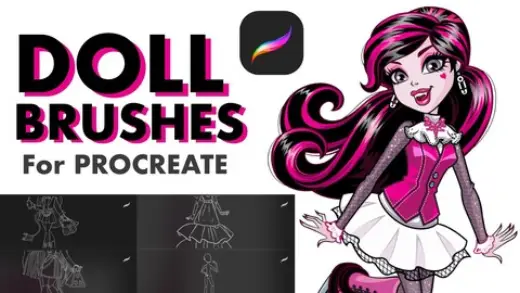
Doll Brushes for Procreate
Brush pack for Procreate & Photoshop, paid
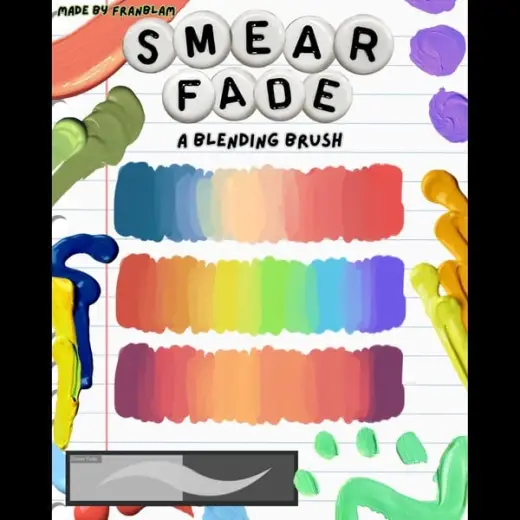
Smear Fade - Blending Brush for Digital Art by FranBlam
Brush pack for Procreate & Clip Studio Paint, paid
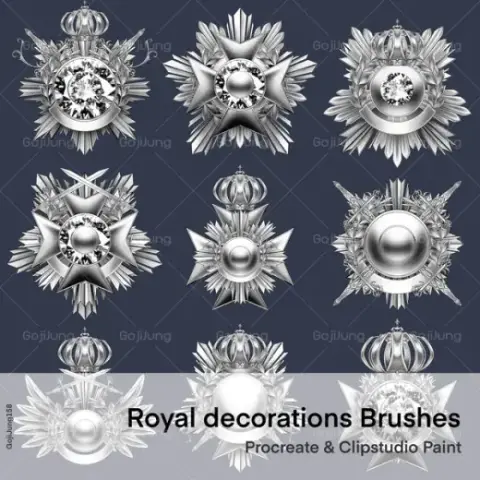
Royal decor - brooch 2 by GojiJung158
Brush pack for Procreate & Clip Studio Paint, paid
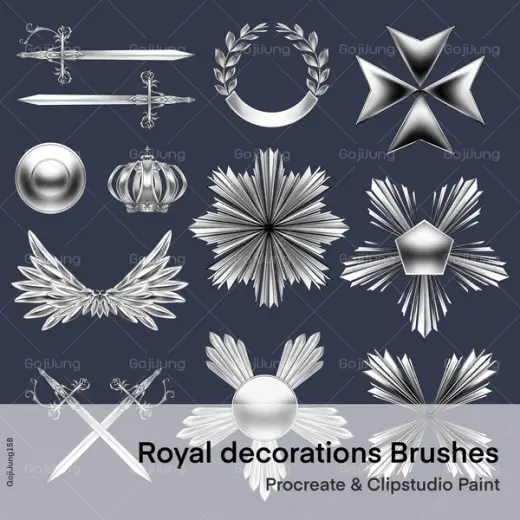
Royal decor - brooch 1 by GojiJung158
Brush pack for Procreate & Clip Studio Paint, paid
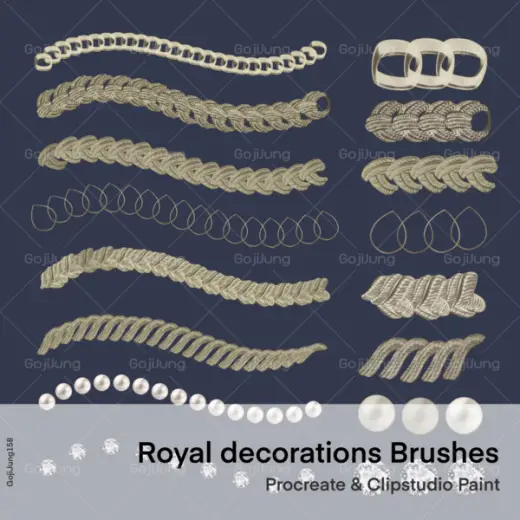
Royal decor - chain brushes by GojiJung158
Brush pack for Procreate & Clip Studio Paint, paid
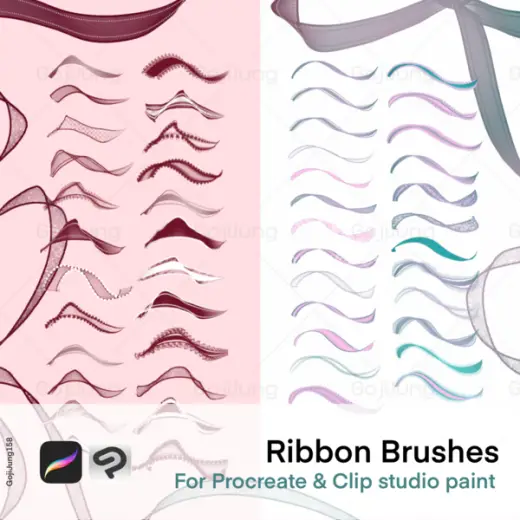
Ribbon Brushes for Procreate&CSP by GojiJung158
Brush pack for Procreate & Clip Studio Paint, paid
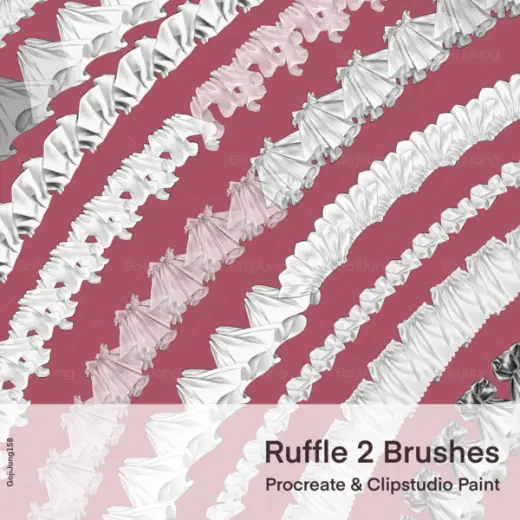
Ruffle brushes ver.2 by GojiJung158
Brush pack for Procreate & Clip Studio Paint, paid
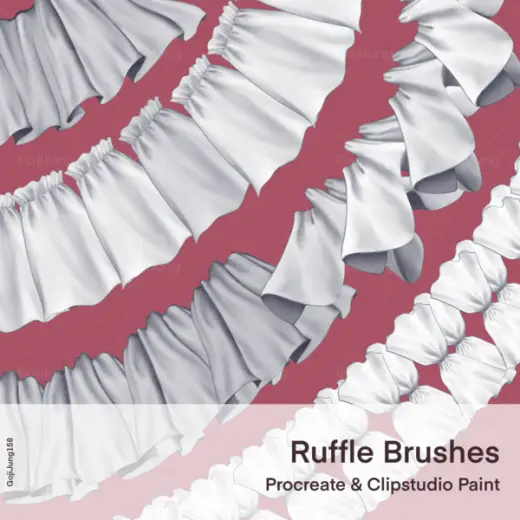
Ruffle brush by GojiJung158
Brush pack for Procreate & Clip Studio Paint, paid