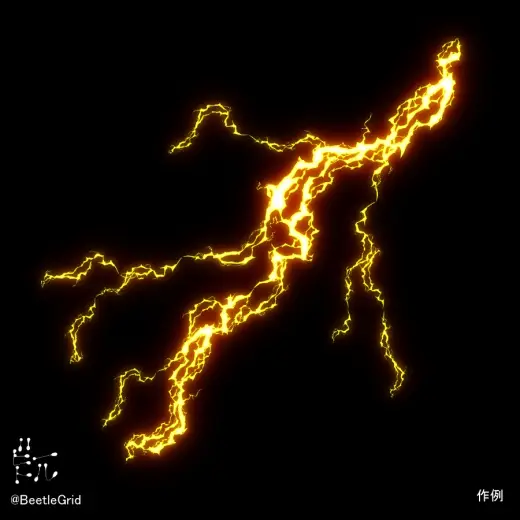
CLIP STUDIO PAINT用 雷ブラシ
PricePaid
Authorbeetlegrid
Format.sut
Added17 August 2026
Sourcebooth.pm
CLIP STUDIO PAINT用 雷ブラシ 制作者:ビートル 概要 雷のブラシです。 迸る稲妻などを描きたい時に便利です。 【ビートル作成:雷ブラシエフェクト】、【ビートル作成:雷ブラシ大エフェクト】はブラシの描画色/背景色で色が変化します。 ブラシの描画色に好きな色、ブラシの背景色に白を使用して描くことで簡単に発光感を得ることが出来、レイヤーの合成モードをスクリーンやオーバーレイ等にすることでより発光感が強まります。 ただし、【ビートル作成:雷ブラシエフェクト】、【ビートル作成:雷ブラシ大エフェクト】はあくまで簡易的なものですので、【ビートル作成:雷ブラシ】、【ビートル作成:雷ブラシ大
Brushes that make a similar mark
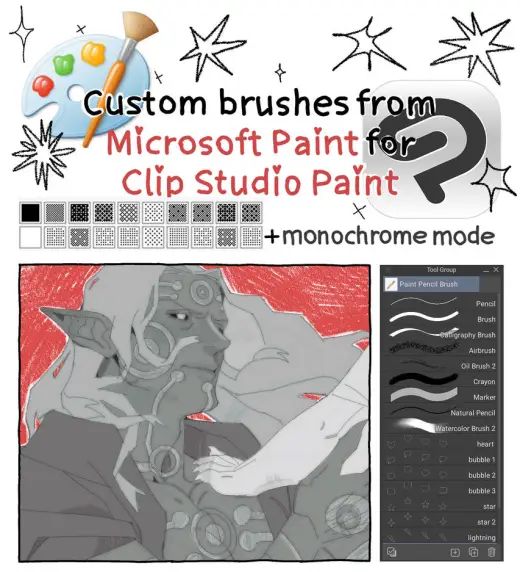
Microsoft Paint Brushes for Clip Studio Paint
Portrait for Clip Studio Paint, free
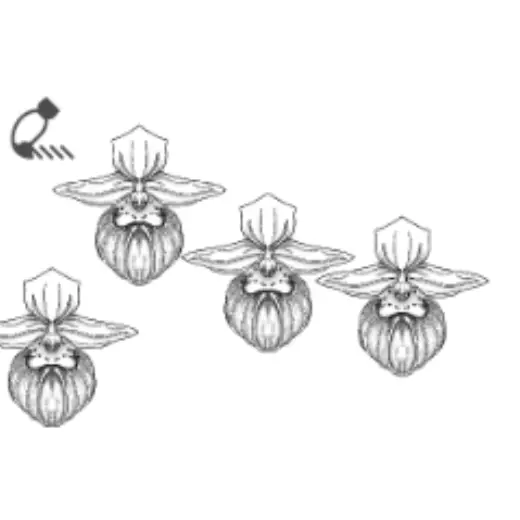
Showy Lady Slipper
Portrait for Clip Studio Paint, free
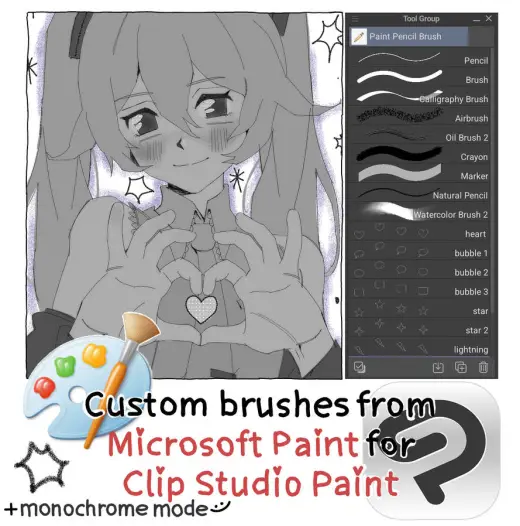
Microsoft Paint Brushes for Clip Studio Paint
Portrait for Clip Studio Paint, free
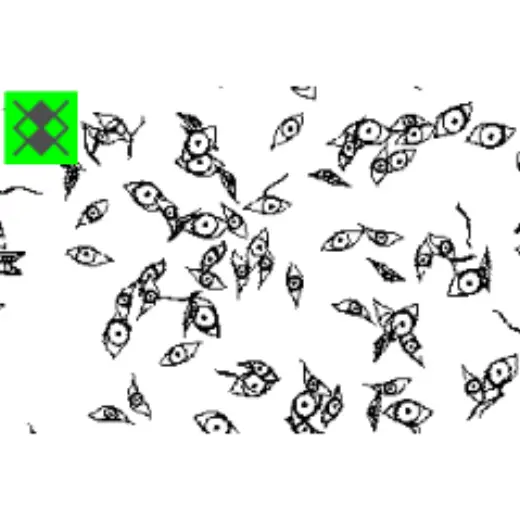
Eye brush
Portrait for Clip Studio Paint, free
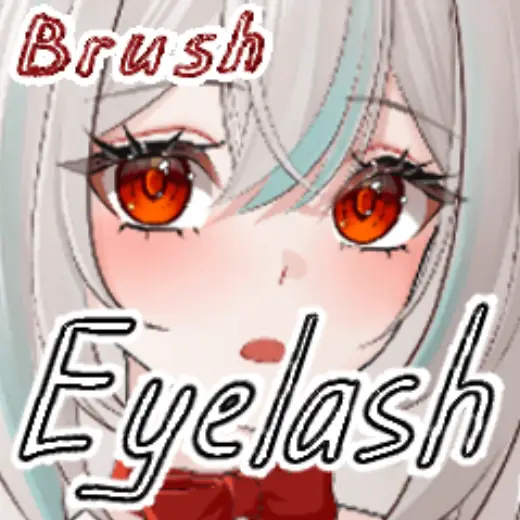
Eyelash Brush
Portrait for Clip Studio Paint, free
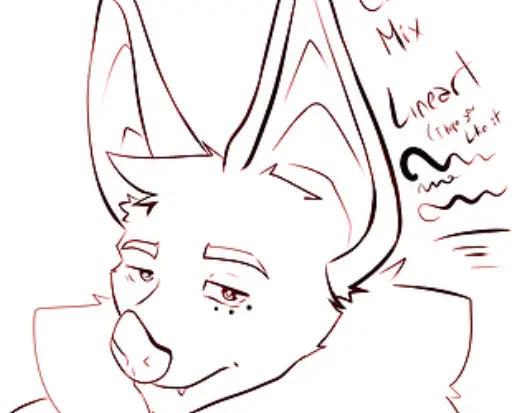
Color Mix Lineart Brush for Clip Studio Paint
Portrait for Clip Studio Paint, free
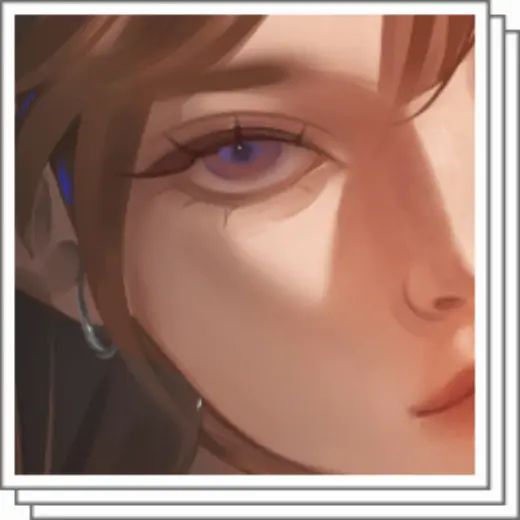
Face Detail Set
Portrait for Clip Studio Paint, free
Zubora lower eyelash pen ×3
Portrait for Clip Studio Paint, free