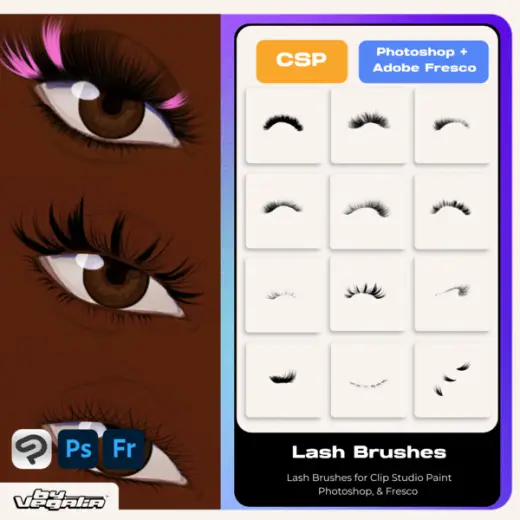
Clip Studio Paint, Photoshop & Fresco Lash Stamp Brushes By. Vegalia
Price$6
AuthorVegalia
Format.abr, .sut
Rating5 out of 5 from 6 ratings on Gumroad
Added5 September 2026
SourceGumroad
Checked19 September 2026
The lash are all made for Clip Studio Paint, Photoshop & Fresco, but they also will work for...
Brushes that make a similar mark
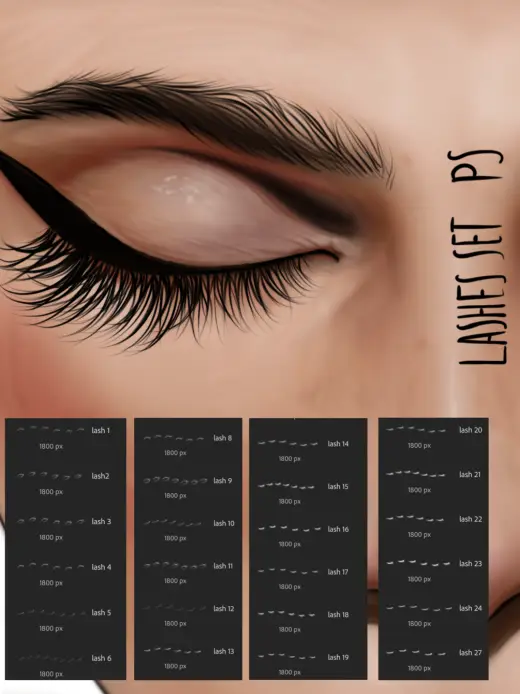
Eyelashes stamps Photoshop
Stamp for Photoshop, free
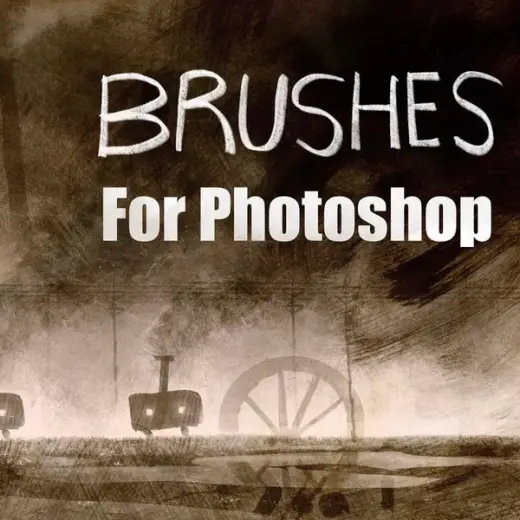
Traditional Photoshop Stamp Brushes
Stamp for Photoshop, paid
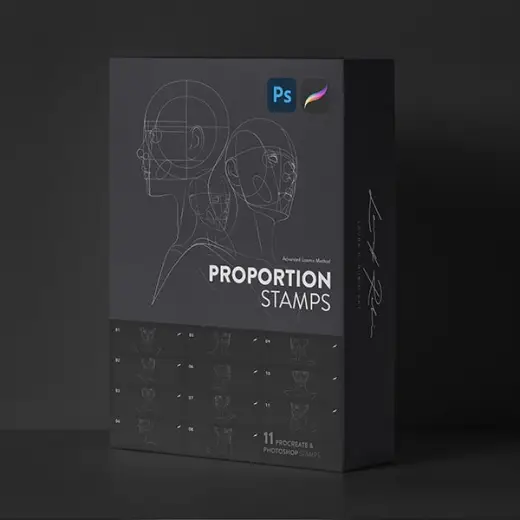
Proportion Stamps
Stamp for Photoshop, paid
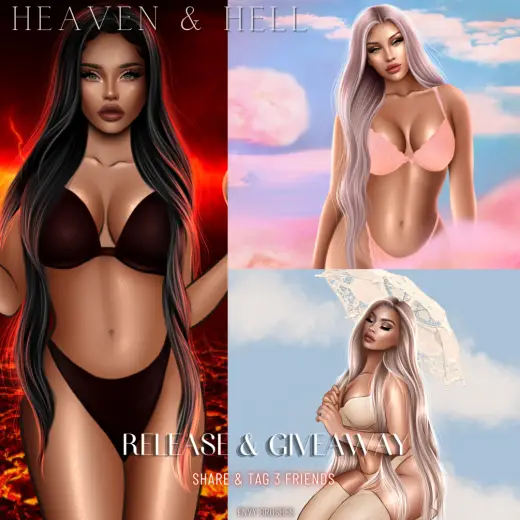
HEAVEN AND HELL MAKEUP STAMPS *PHOTOSHOP*
Stamp for Photoshop, paid
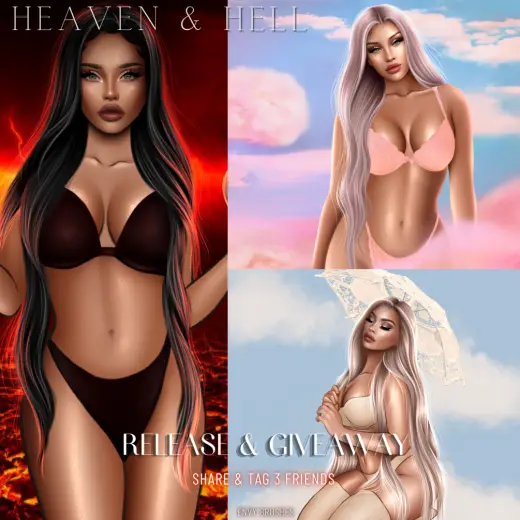
HEAVEN AND HELL CLOSED EYE STAMPS *PHOTOSHOP*
Stamp for Photoshop, paid
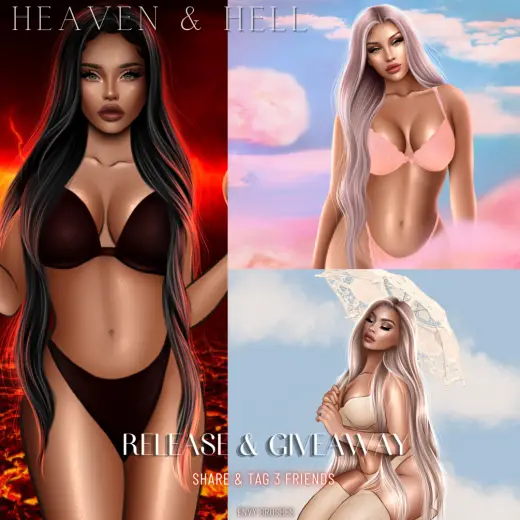
HEAVEN AND HELL HAIRBASE STAMPS *PHOTOSHOP*
Stamp for Photoshop, paid
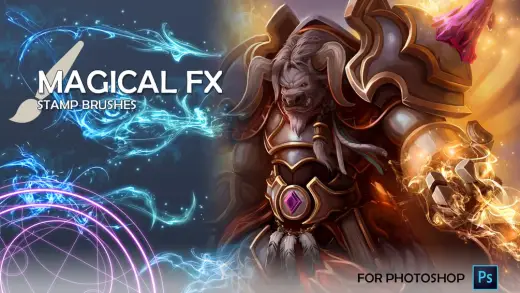
Magical FX Stamps
Stamp for Photoshop, paid
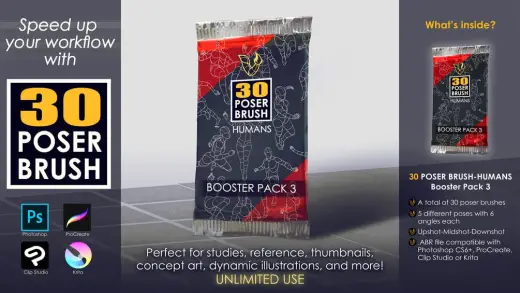
30 Poser Brush - Humans Booster Pack 3
Stamp for Photoshop, paid