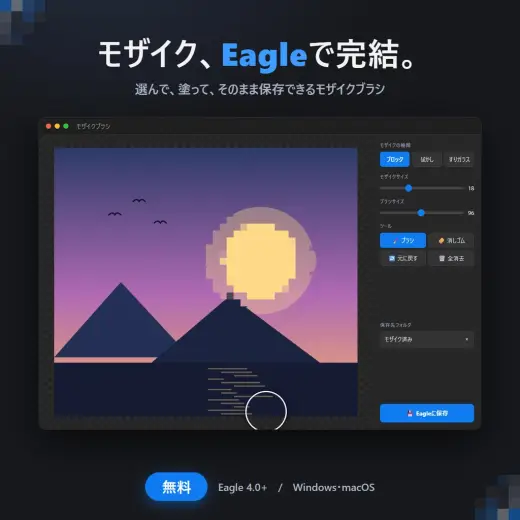
【無料】Eagle用プラグイン モザイクブラシ
MarkBrush pack
PricePaid
Authorここにあらず
Format.abr, .sut
Added15 July 2026
Sourcebooth.pm
Eagleユーザーのための、画像修整プラグインです。 Eagleで選択した画像に、そのままブラシでモザイクをかけて、指定フォルダに保存できます。 もうモザイクのためだけにPhotoshopやクリスタを起動しなくてOK! スクショの個人情報隠しから作品の修整まで、Eagle内で完結します。 こんな方におすすめ ・CG集やイラストの修整作業をEagleで管理している方 ・スクリーンショットの個人情報(名前・住所・アカウント名)をサッと隠したい方 ・SNS投稿前のひと手間をラクにしたい方 機能 ・モザイクの種類:ブロック / ぼかし / すりガラス の3種類 ・モザイクサイズ:スライダーで自
Brushes that make a similar mark
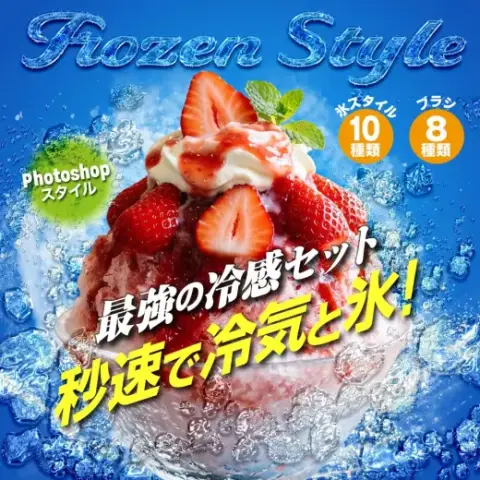
Photoshop 氷スタイルとブラシの冷感セット
Brush pack for Photoshop, paid
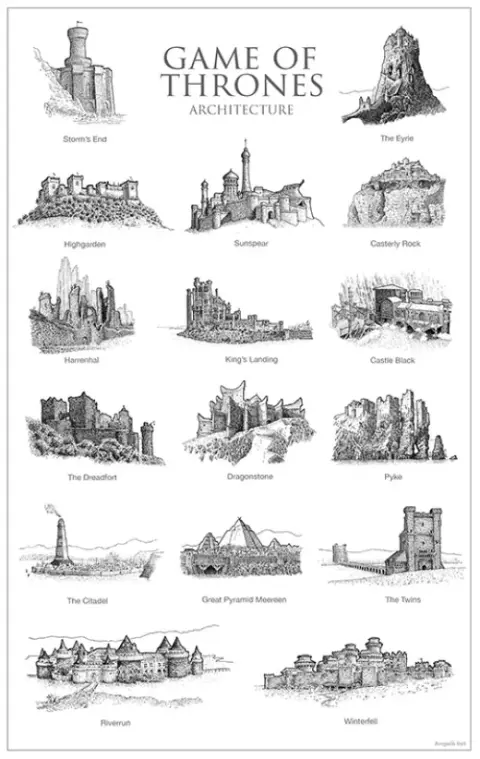
Game of Thrones Cartography Brushes
Brush pack for Photoshop, free
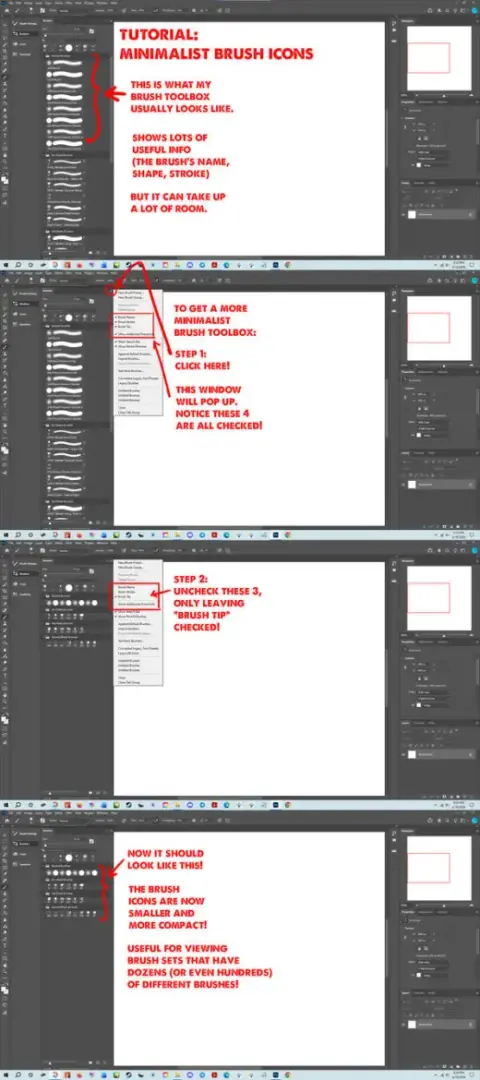
Minimalist Brush Icons
Brush pack for Photoshop, free
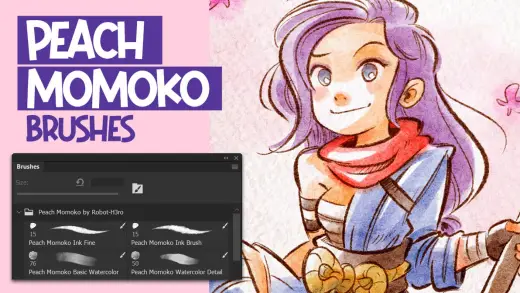
Peach Momoko Photoshop Brushes
Brush pack for Photoshop, free
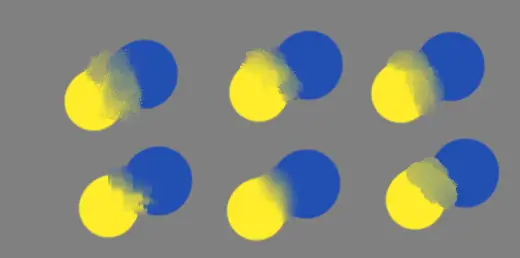
Brush of: blur and mixer
Brush pack for Photoshop & Krita, free
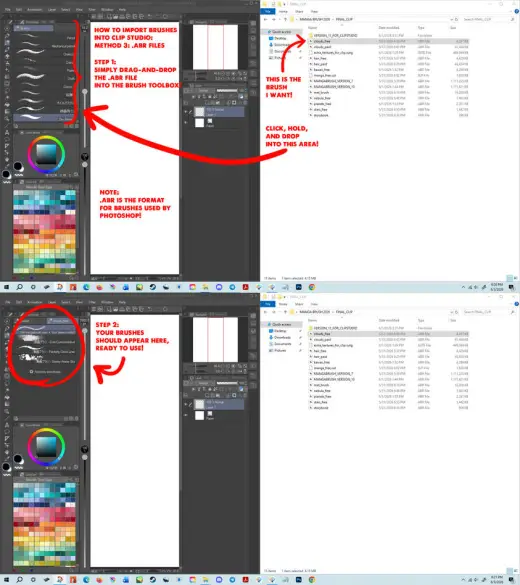
Method 3: ABR
Brush pack for Photoshop & Clip Studio Paint, free
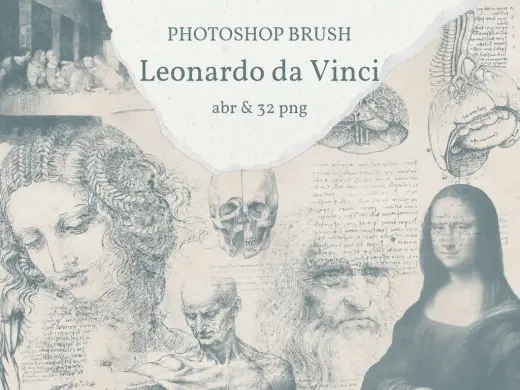
【Photoshopブラシ】Leonardo da Vinci 絵画とデッサン 32sheets【透過png】
Brush pack for Photoshop, paid
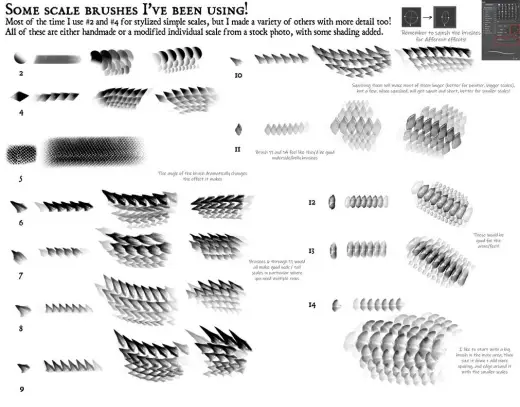
free scale brushes! (abr, photoshop)
Brush pack for Photoshop, free