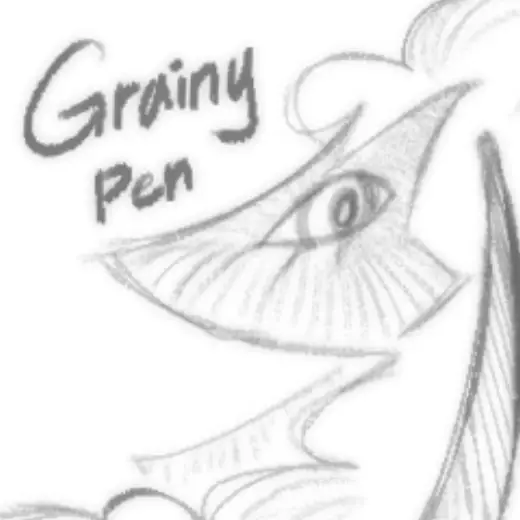
grainy
PriceFree
AuthorJauce3
Format.sut
Downloads1,128 on assets.clip-studio.com
Favorites95 on assets.clip-studio.com
Added29 August 2026
Sourceassets.clip-studio.com
Checked18 September 2026
Grainy looking pen. It is great for sketches or line art! The recommended brush sizes are from 4-16, as the brush starts to look different due to the spraying effect (which is inherent to the brush as that is what creates the grainy look). You can also use it as a coloring brush, it kinda feels like
Brushes that make a similar mark

ks_35 sketch
Sketch for Clip Studio Paint, free
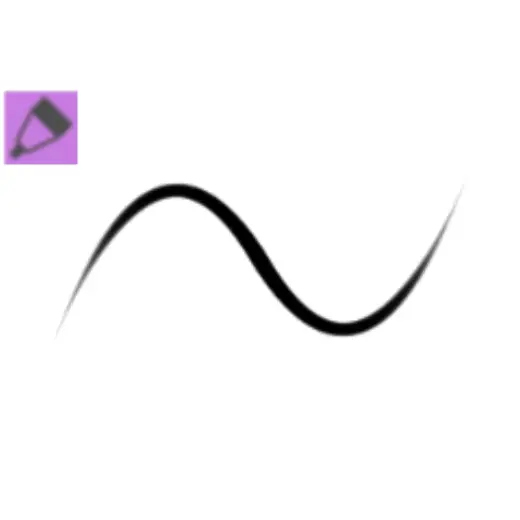
。‧˚ʚ ୨Nice Soft Lineৎ ɞ˚‧。
Sketch for Clip Studio Paint, free
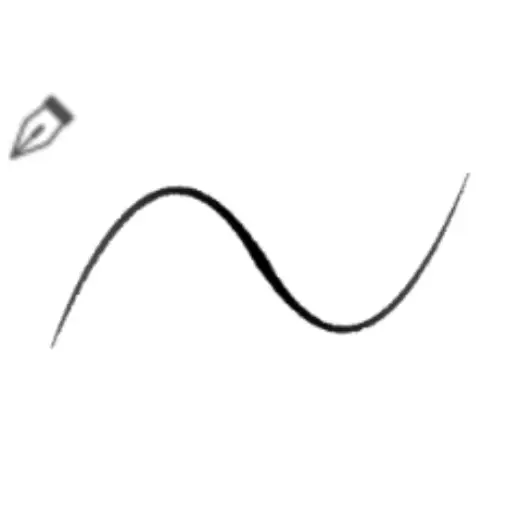
Soft Doodle Pen
Sketch for Clip Studio Paint, free
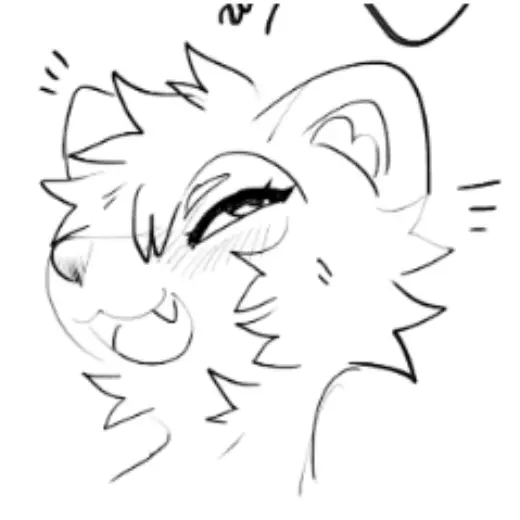
smooth ink brush with texture
Sketch for Clip Studio Paint, free
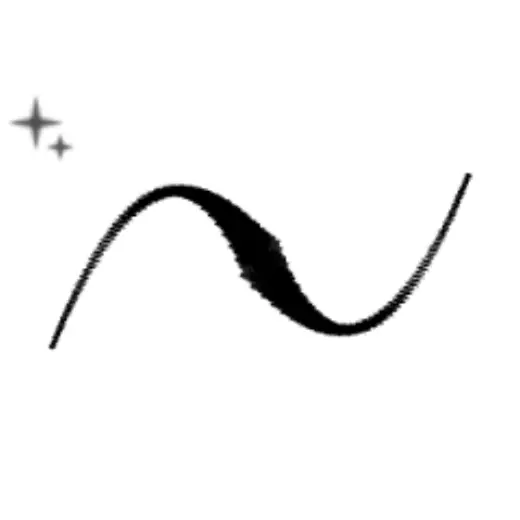
two sketch/lineart brush
Sketch for Clip Studio Paint, free
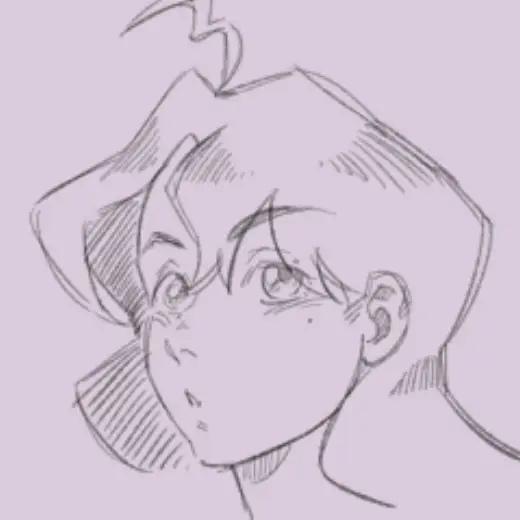
Saltycornio's Sketching Pen
Sketch for Clip Studio Paint, free
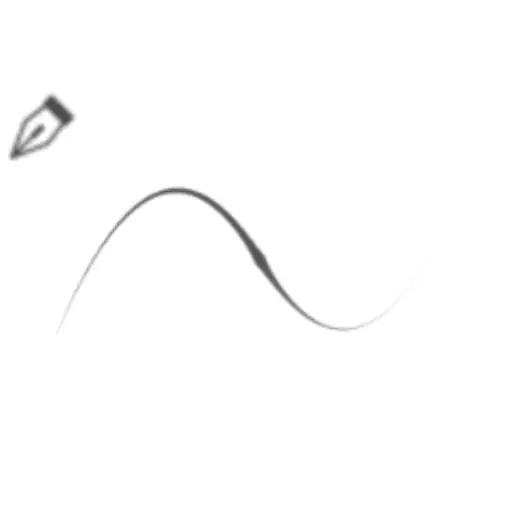
dynamic gpen for sketching
Sketch for Clip Studio Paint, free
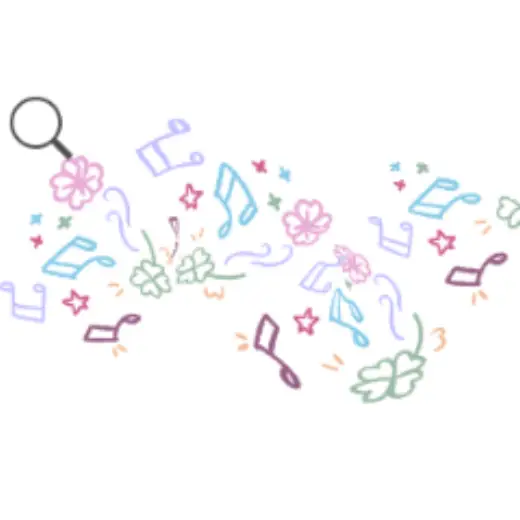
FREE music doodle
Sketch for Clip Studio Paint, free