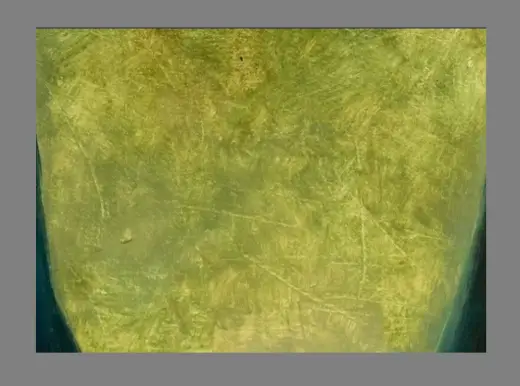
How to Create a Seamless Texture From an Image Using Krita + How to Use it in a Brush
MarkTexture
AppKrita
PriceFree
AuthorAwez
Format.bundle / .kpp
Added15 January 2026
Sourcekrita-artists.org
1. Find a texture you would like to extract, I took a screenshot from a segment of a painting. This area of the original image stood out to me as being a good candidate to be turned into a seamless texture due to few …
Brushes that make a similar mark
100K Subs in Youtube Celebration. Real Papers templates -Gift 1
Texture for Krita, free
Metallics by Draneria Krita Brushes
Texture for Krita, free
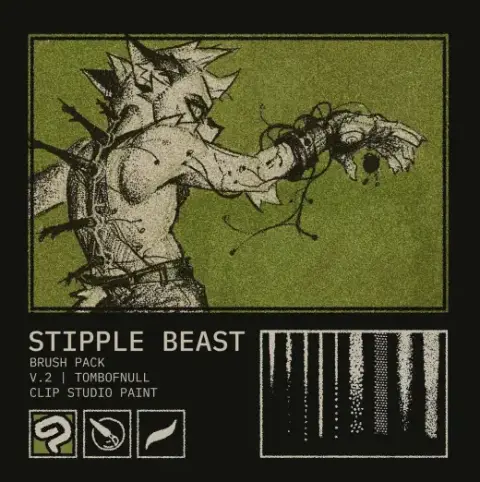
Yet another brush & texture promo - tombofnull
Texture for Krita, free
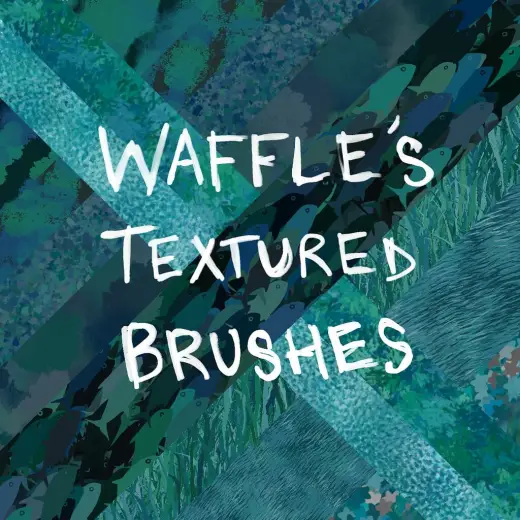
Waffle's Textured Brush Pack
Texture for Krita, free
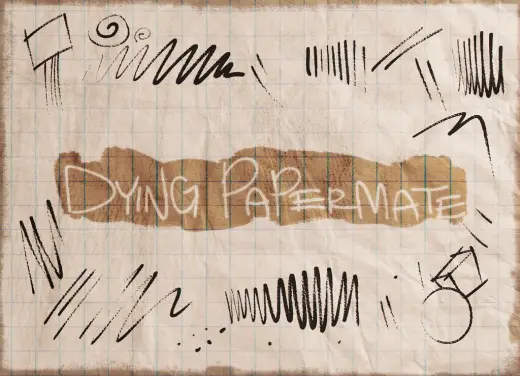
Dying Paper Mate
Texture for Krita, free
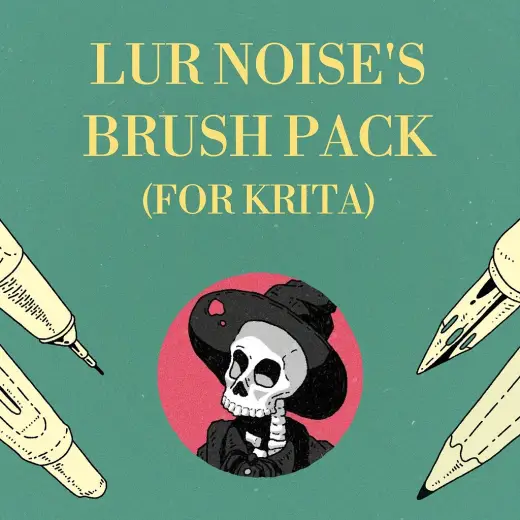
Lur Noise's (that's me) brush pack
Texture for Krita, free
Recomend me a texture bundle/brush packRecomend me a texture bundle/brush pack
Texture for Krita, free
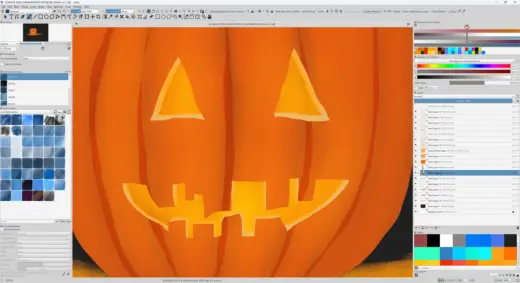
ULTIMATE KRITA GRAIN BRUSHES
Texture for Krita, free