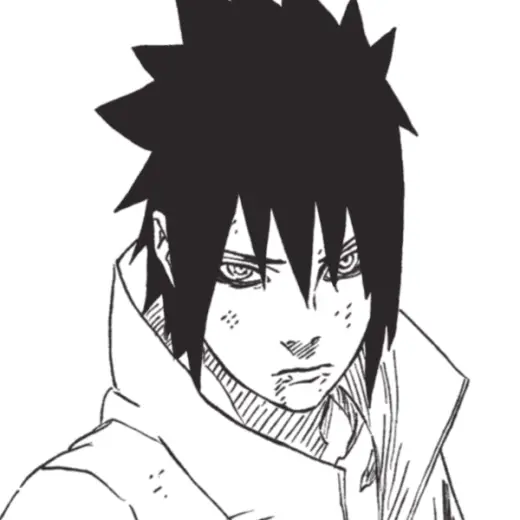
KishiGus Lineart
MarkBrush pack
Price$4 or more
AuthorGusceps
Format.sut
Rating5 out of 5 from 1 rating on Gumroad
Added5 September 2026
SourceGumroad
Checked18 September 2026
FOR CLIP STUDIO PAINT Custom brush made to mimick Masashi Kishimoto manga lineart style.
Brushes that make a similar mark
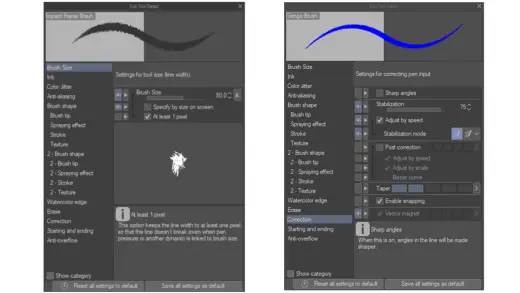
Impact Frame and Genga Brush for Animation
Brush pack for Clip Studio Paint, free
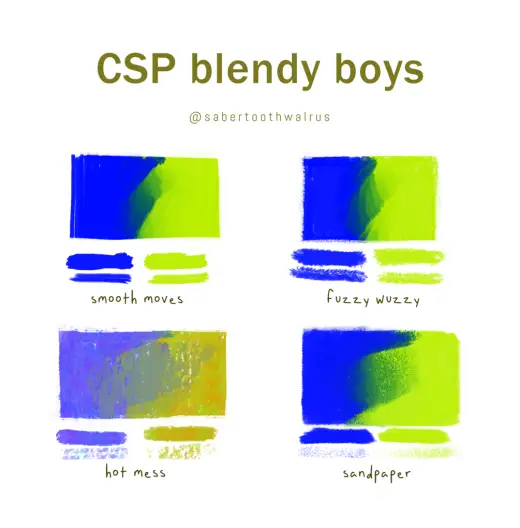
CSP Brushes: Blendy Boys
Brush pack for Clip Studio Paint, free
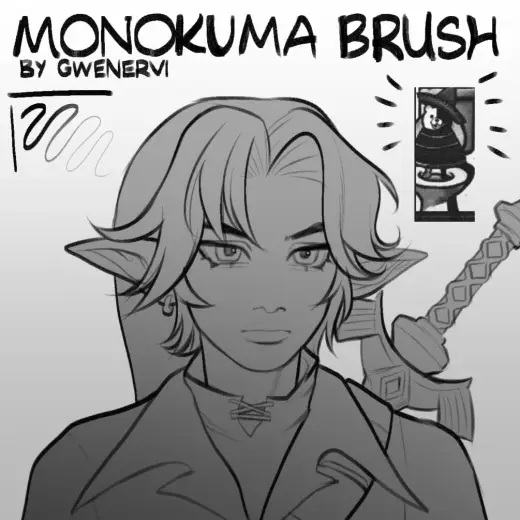
Monokuma Brush
Brush pack for Clip Studio Paint, free
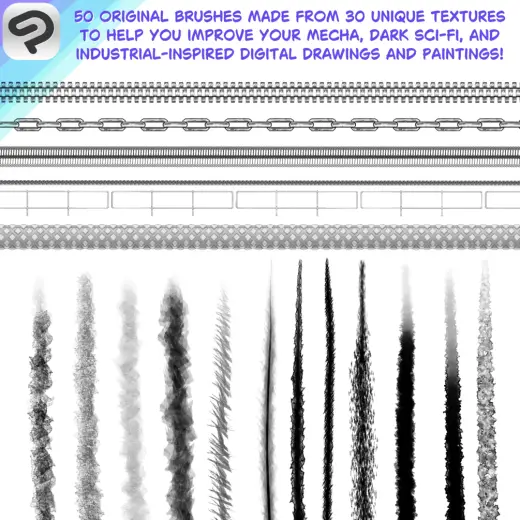
Industrial Mecha Brush Pack Volume. 1
Brush pack for Clip Studio Paint, paid
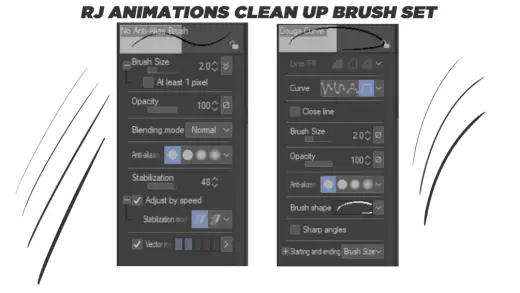
Rj Animation Clean Up Brush Set
Brush pack for Clip Studio Paint, free
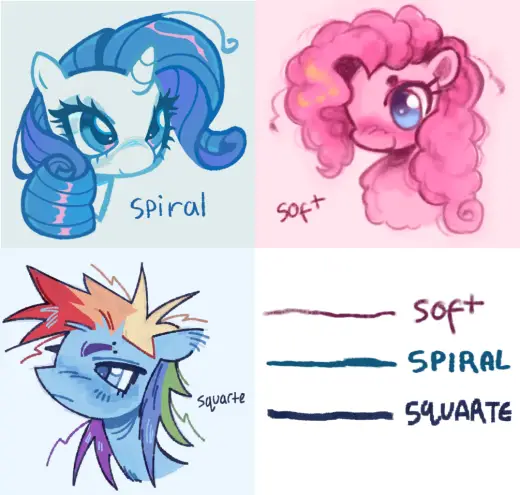
mini brush pack (1)
Brush pack for Clip Studio Paint, free
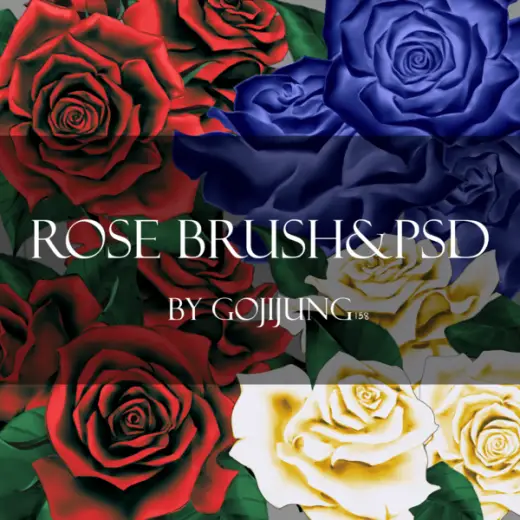
Goji Rose brush&.psd
Brush pack for Clip Studio Paint, paid
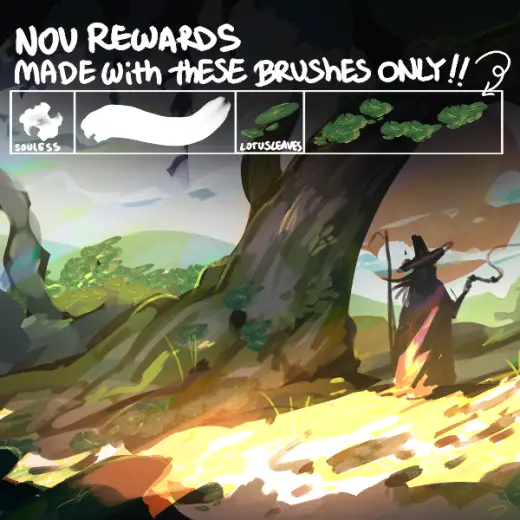
SOULESS + LOTUS BRUSHES
Brush pack for Clip Studio Paint, paid