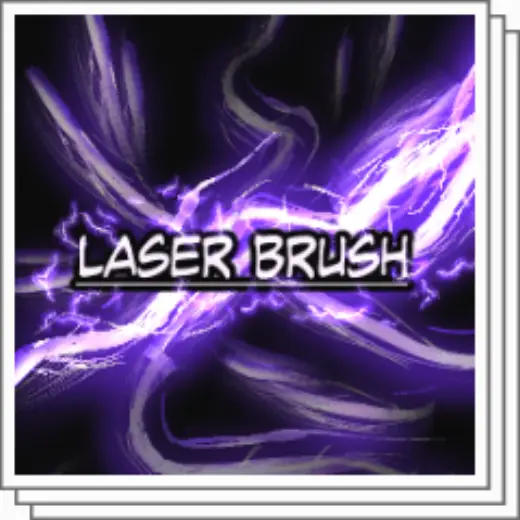
Laser Brush & Sticker effect
MarkEffects
PricePaid
AuthorYushi.33
Format.sut
Downloads48 on assets.clip-studio.com
Favorites7 on assets.clip-studio.com
Added26 August 2026
Sourceassets.clip-studio.com
Checked18 September 2026
can use as brush and sticker if you like and it useful if you want add effect in magic and pattern on any light background can you change the color of the laser by change the layer color
Brushes that make a similar mark
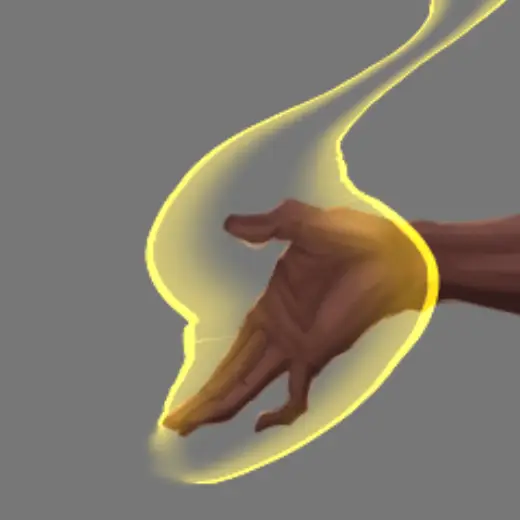
AURA brush
Effects for Clip Studio Paint, free
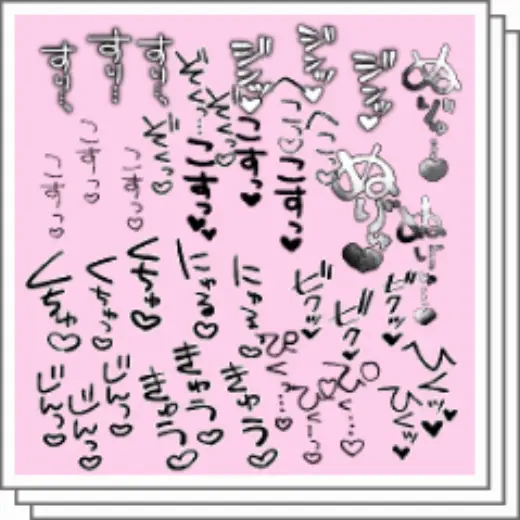
sound effect Sound Effect Stickers
Effects for Clip Studio Paint, free
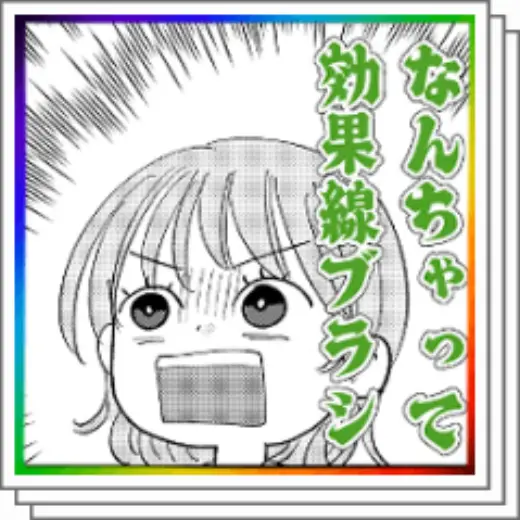
What an effect line
Effects for Clip Studio Paint, paid

highlighterSuri
Effects for Clip Studio Paint, free
Rough sound effects
Effects for Clip Studio Paint, free
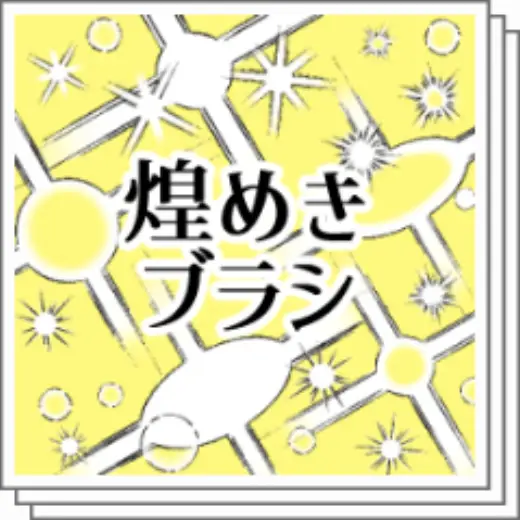
Sparkling brush
Effects for Clip Studio Paint, free
Brush sound effect jerky
Effects for Clip Studio Paint, free
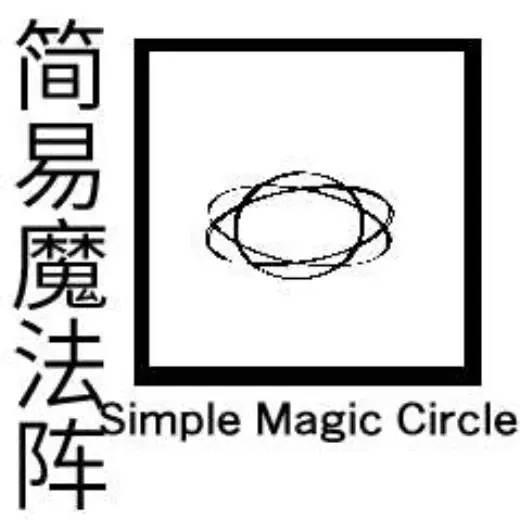
A simple magic array
Effects for Clip Studio Paint, free