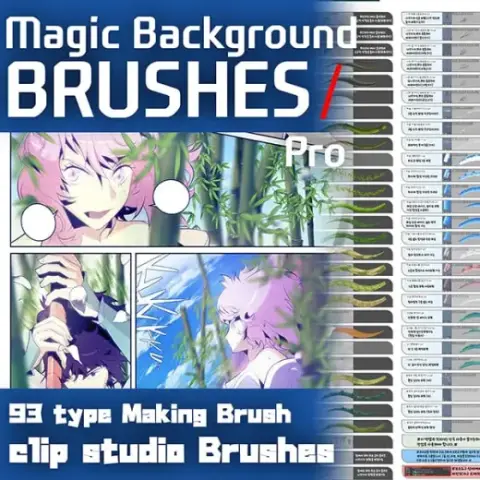
Magic Background Pro Brush 1-CSP
MarkEffects
Price$35
Authorvicstudio
Format.sut
Added5 September 2026
SourceGumroad
Checked18 September 2026
«Creator introduction»VIC pursues the production of on-site resources that pursue expert-level ba...
Brushes that make a similar mark
![[Erasing Effect] Fountain pen, stylus pen — Clip Studio Paint brush](/assets/covers/s34443f33ea.webp)
[Erasing Effect] Fountain pen, stylus pen
Effects for Clip Studio Paint, free
![[26.9.13 한정 배포]˚₊‧꒰ა DreAm CoRe ໒꒱ ‧₊˚ — Clip Studio Paint brush](/assets/covers/saa6ef9bf6e.webp)
[26.9.13 한정 배포]˚₊‧꒰ა DreAm CoRe ໒꒱ ‧₊˚
Effects for Clip Studio Paint, free
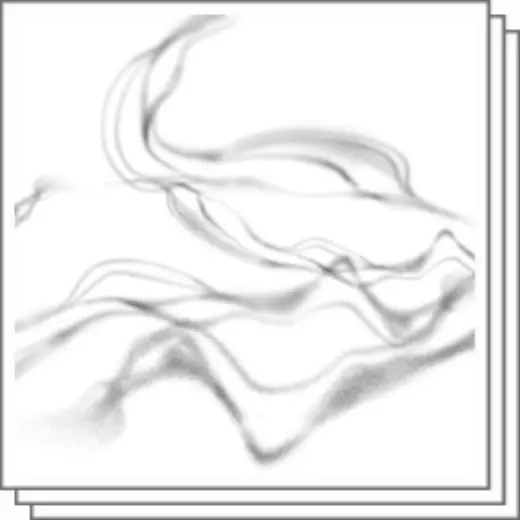
Smoke
Effects for Clip Studio Paint, free
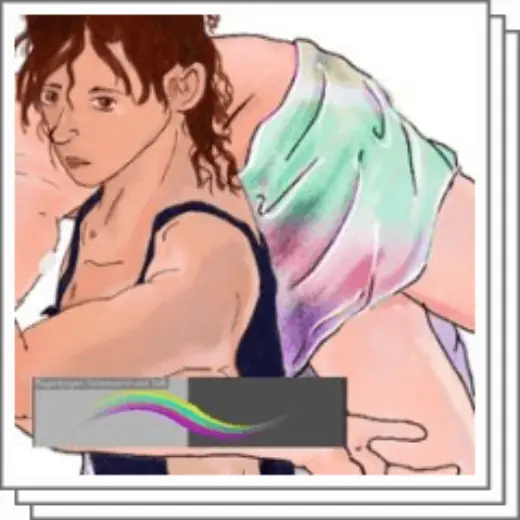
Rainbow stuff
Effects for Clip Studio Paint, free

Magic Mods G-pen
Effects for Clip Studio Paint, free

W2 Round Lens Flare
Effects for Clip Studio Paint, paid

【Free for a limited time】Brush set that can draw a slightly thick wind chime
Effects for Clip Studio Paint, free
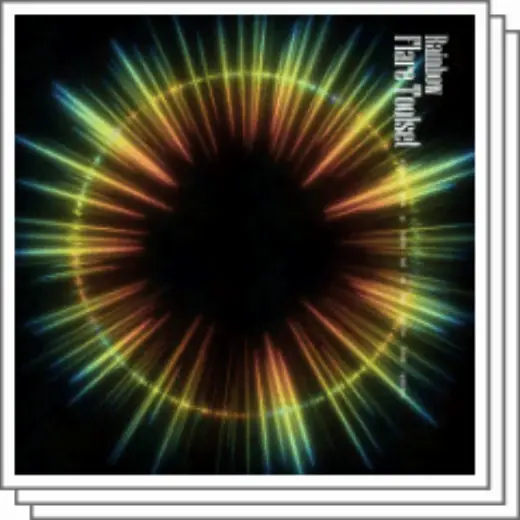
Iridescent Flare Tool Set
Effects for Clip Studio Paint, paid