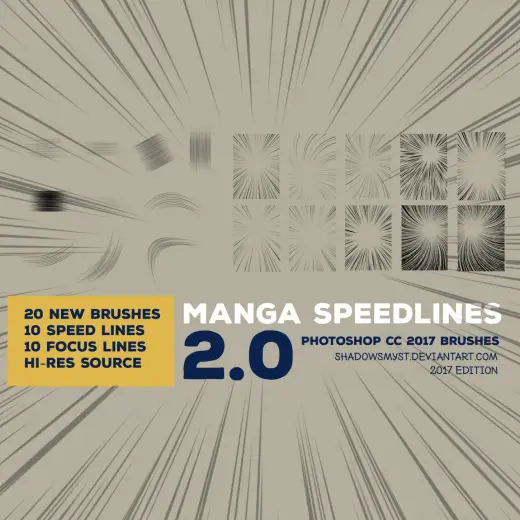
Manga Speedlines
MarkAnime
PriceFree
AuthorShadowsmyst
Format.brushset / .brush, .abr, .sut, .bundle / .kpp
Added29 October 2018
Sourcemyphotoshopbrushes.com
A set of 20 free manga focus and speedline brushes. High-resolution JPG source files are included if you want to make your own brushes for Clip Studio, GIMP, or other programs. These brushes were made with Photoshop CC 2017 and are essential for comic artists and manga illustrators who need dynamic
Brushes that make a similar mark
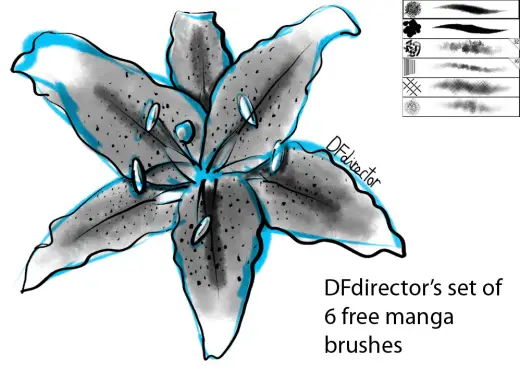
Manga Brushes
Anime for Procreate, Photoshop & Krita, free
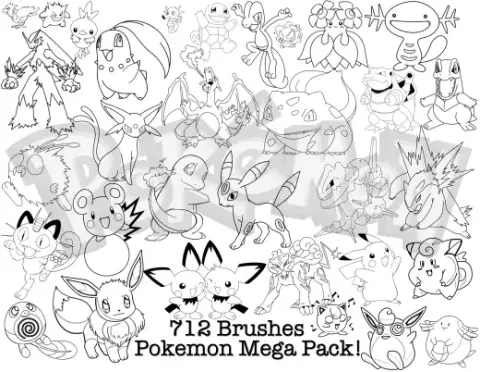
Huge Pack of Pokemon Brushes
Anime for Procreate, Photoshop & Krita, free
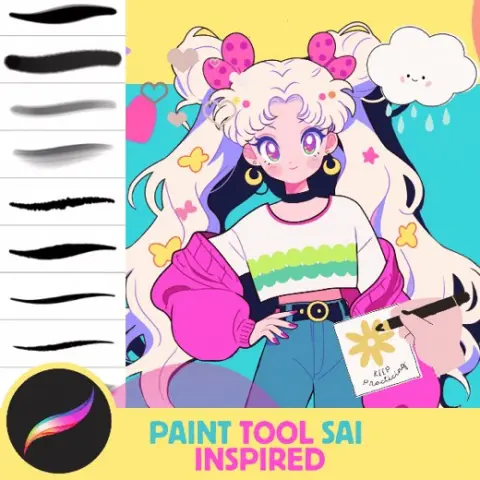
Paint Tool Sai inspired Dream, 33 Dynamic Comic, Anime and Manga Brushes for Procreate Illustration, 8 FREE Brushes
Anime for Procreate, free
Free Anime Folds Brush PackFree Anime Folds Brush Pack
Anime for Procreate, free
Free Hatching Manga Procreate BrushesFree Hatching Manga Procreate Brushes
Anime for Procreate, free
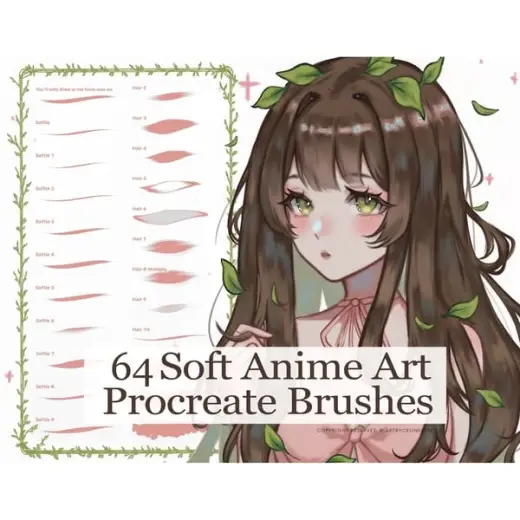
Procreate Soft Anime Brushset, Anime Manga Brushes
Anime for Procreate, paid
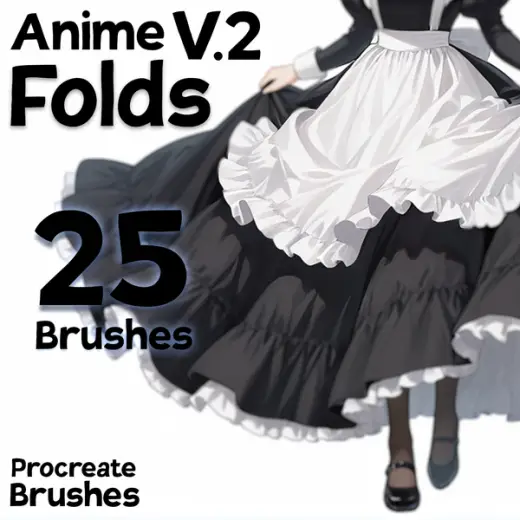
Anime Folds Brush Pack for Procreate - 25 Shadow/Blend Brushes for Clothing
Anime for Procreate, paid
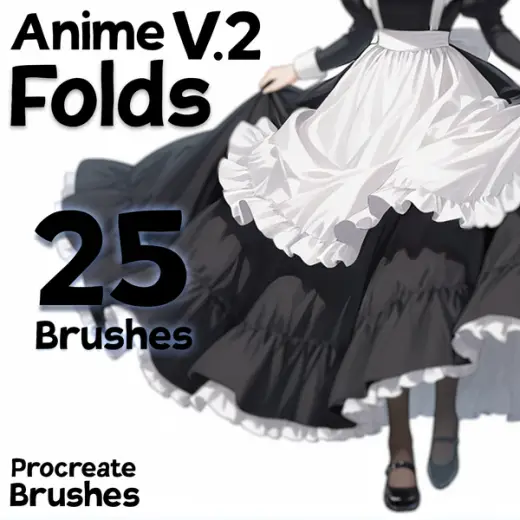
Free Anime Folds Brush Pack for Procreate - 6 Shadow/Blend Brushes for Clothing
Anime for Procreate, free