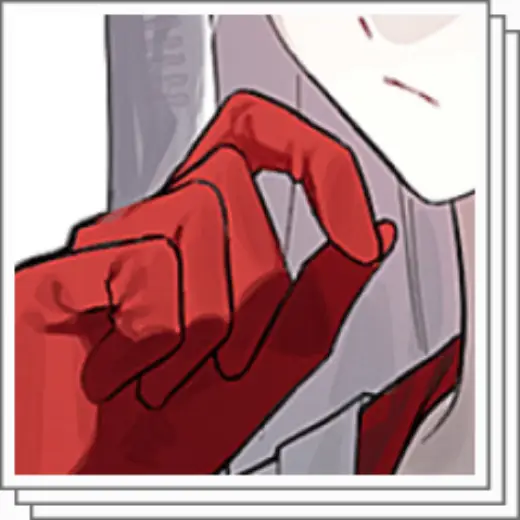
New Ung brush set
MarkBrush pack
PriceFree
AuthorMockorange
Format.sut
Downloads23,562 on assets.clip-studio.com
Favorites993 on assets.clip-studio.com
Added19 August 2026
Sourceassets.clip-studio.com
Checked18 September 2026
It feels like a mix of Ung Pen and flat paint. Suitable for layered coloring.
Brushes that make a similar mark
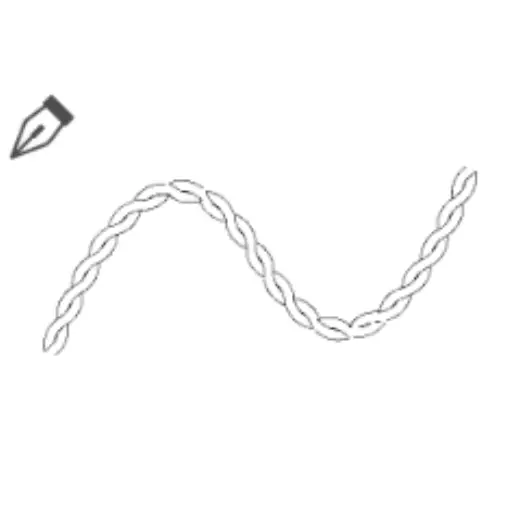
Twist Brush
Brush pack for Clip Studio Paint, free
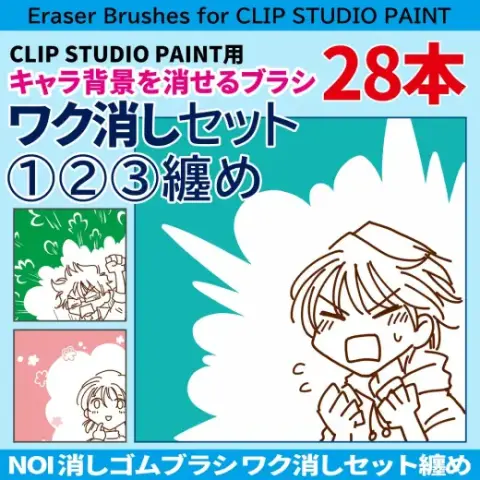
消しゴムブラシ【ワク消し①②③纏め】ブラシ28本セット
Brush pack for Clip Studio Paint, paid
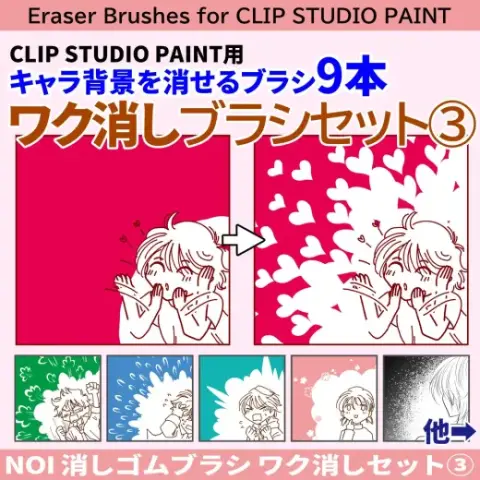
消しゴムブラシ【ワク消し③】ブラシ9本セット
Brush pack for Clip Studio Paint, paid
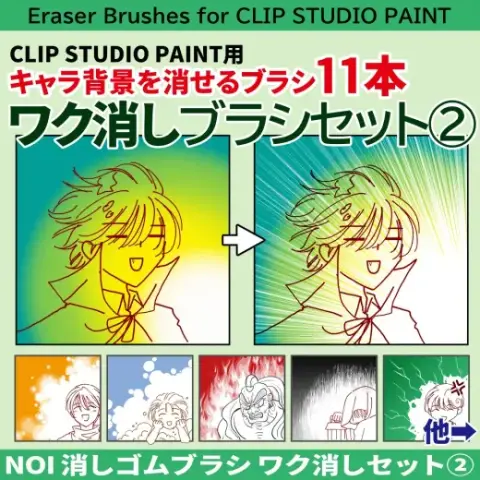
消しゴムブラシ【ワク消し②】ブラシ11本セット
Brush pack for Clip Studio Paint, paid
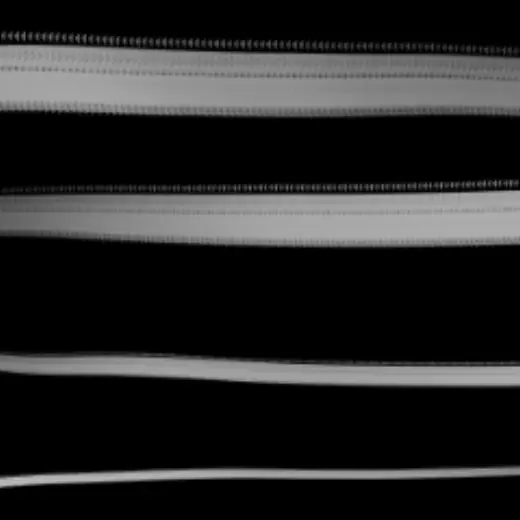
Lined eraser
Brush pack for Clip Studio Paint, free
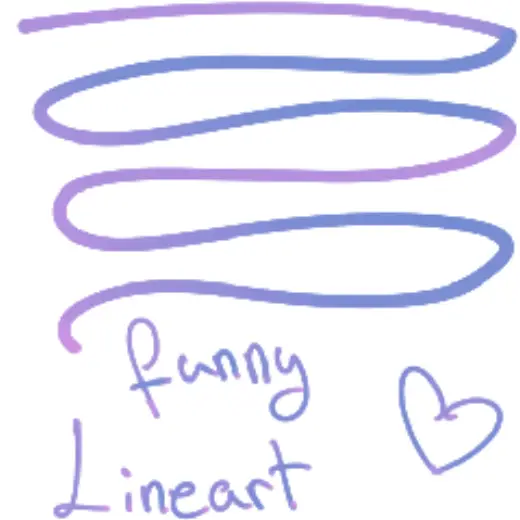
funny lineart
Brush pack for Clip Studio Paint, free
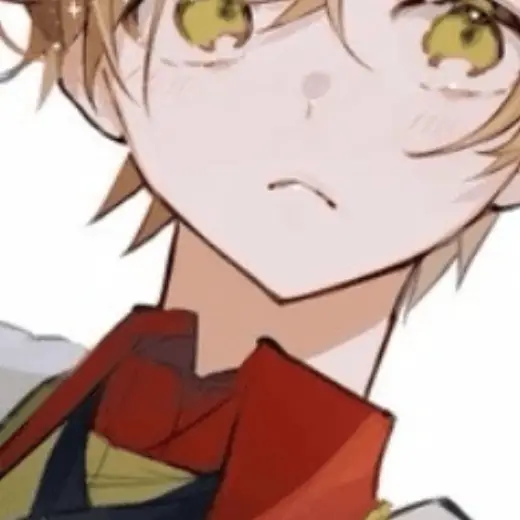
Dream Brush
Brush pack for Clip Studio Paint, free
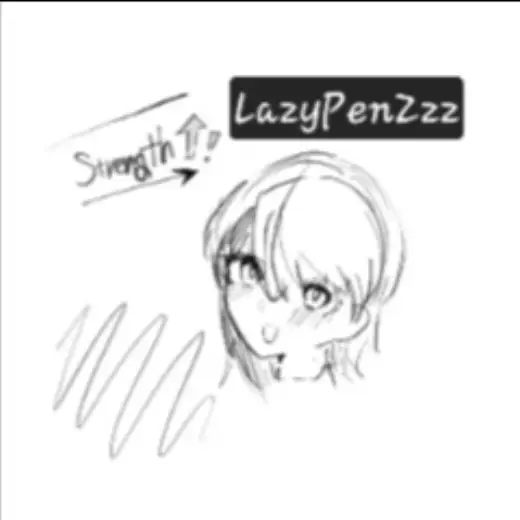
LazyPenZzz
Brush pack for Clip Studio Paint, free