
Paperblue Time-lapse 20190106
MarkTexture
AppPhotoshop
Price$4.50
AuthorJae Cheol Park Paperblue
Format.abr
Rating4.5 out of 5 from 2 ratings on Gumroad
Added5 September 2026
SourceGumroad
Checked19 September 2026
PaperBlue Time-lapse 20190106Pro Create + I pad- Time lapse 11 minutes- Brush Property 6 images (...
Brushes that make a similar mark
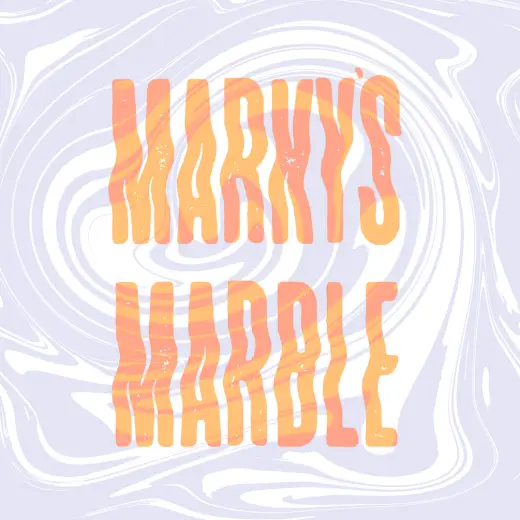
Marble Textures & Brushes (FULL PACK)
Texture for Photoshop, paid
Marble Textures & Brushes (DEMO)
Texture for Photoshop, free
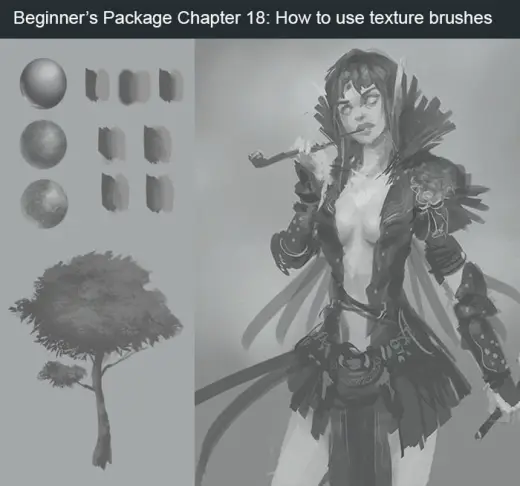
Beginner's Package Chapter 18: How to use texture brushes
Texture for Photoshop, paid
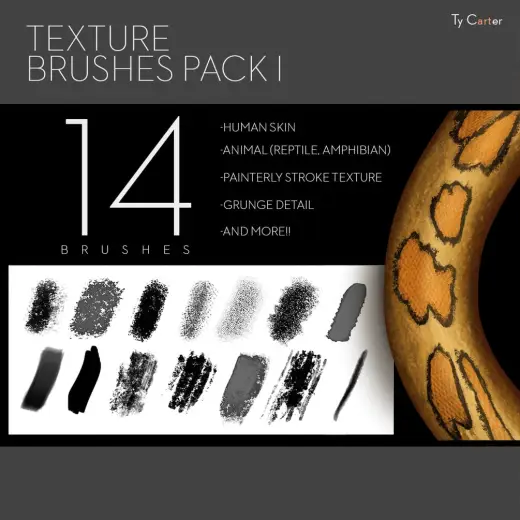
Texture Brush Pack I
Texture for Photoshop, paid
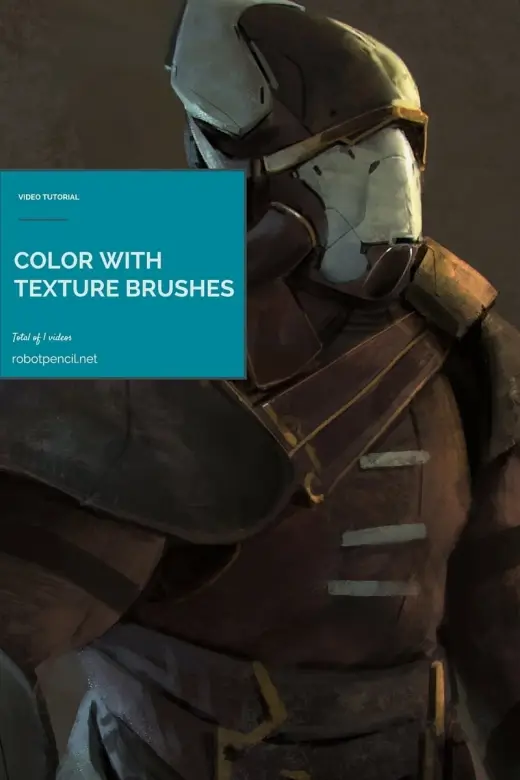
Texture Brushes, and Color
Texture for Photoshop, paid
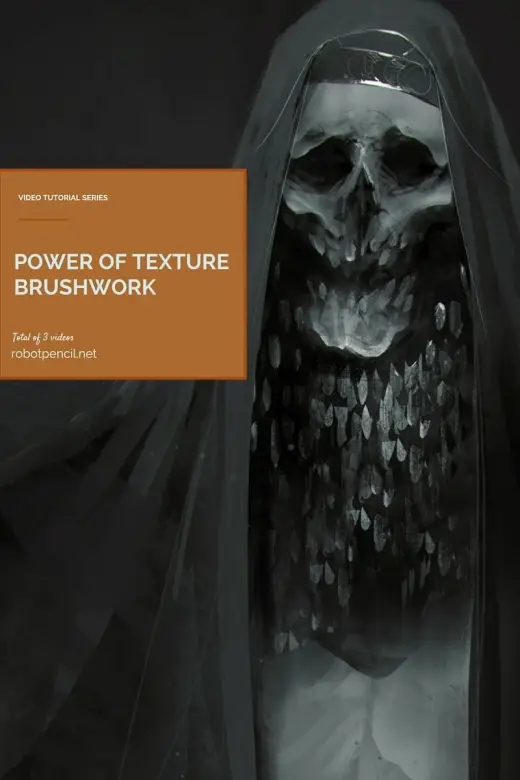
Power of Texture Brushwork
Texture for Photoshop, paid
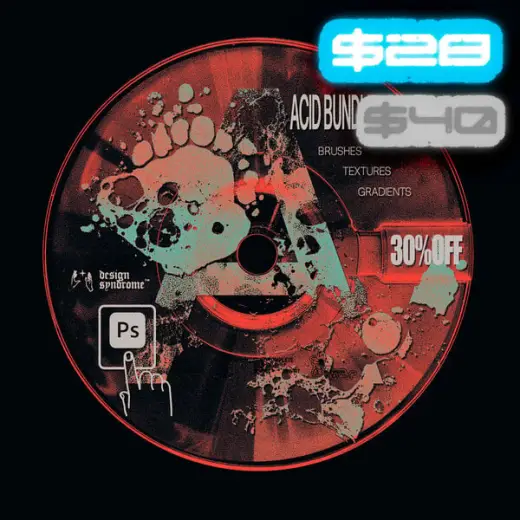
Acid Bundle (BRUSHES + TEXTURE + GRADIENTS)
Texture for Photoshop, paid
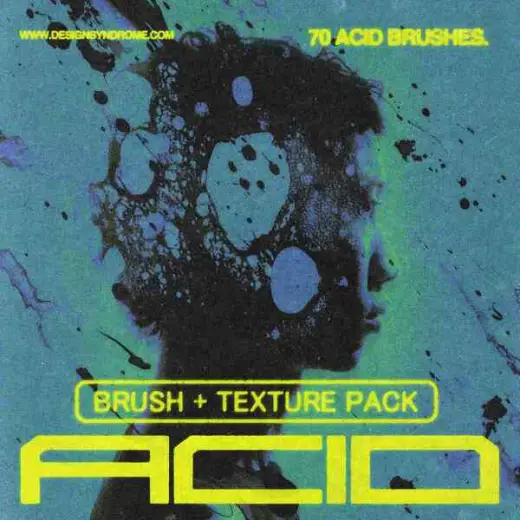
Acid brush + Texture Pack
Texture for Photoshop, free