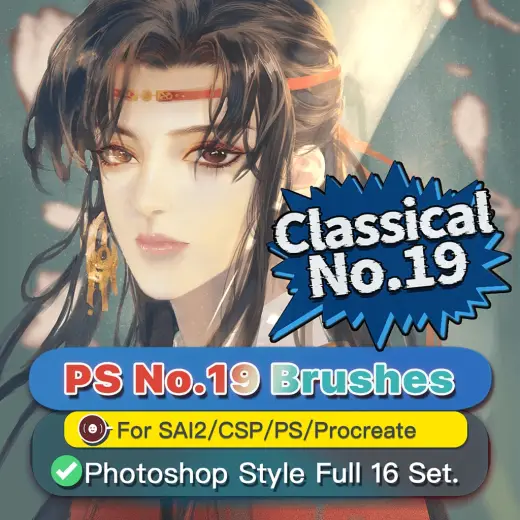
PS風No.19ブラシセット
MarkBrush pack
PricePaid
Author笔策丹青
Format.brushset / .brush, .abr, .sut
Added6 March 2025
Sourcebooth.pm
最適化され、改良された古典的なPS風基本ブラシ。 共收录ブラシ数は合計16種です。 ※注:評価の星は、Photoshopハンド圧力の感覚低減やその他の包括的な考慮事項については、使用を参照してください。 商用可! - settings folder、sut、abr、brushsetの複数フォーマットに対応。 -For Painttool SAI2、Clipstudiopaint、Photoshop、Procreate、Artstudio Pro...etc.様々なペイントソフトに対応しています! <素材の使い方> ①解凍した【~.zip】 ②CLIP STUDIO PAINT 【~.sut
Brushes that make a similar mark
![顔料テクスチャブラシ2.0 [Procreate24本+Photoshop24本] — Procreate & Photoshop brush](/assets/covers/sb629abbb37.webp)
顔料テクスチャブラシ2.0 [Procreate24本+Photoshop24本]
Brush pack for Procreate & Photoshop, paid
![顔料テクスチャブラシ3.0 [Procreate24本+Photoshop24本] — Procreate & Photoshop brush](/assets/covers/sb589907cb9.webp)
顔料テクスチャブラシ3.0 [Procreate24本+Photoshop24本]
Brush pack for Procreate & Photoshop, paid
![顔料テクスチャブラシ1.0 [Procreate25本+Photoshop25本] — Procreate & Photoshop brush](/assets/covers/s0af9066ff0.webp)
顔料テクスチャブラシ1.0 [Procreate25本+Photoshop25本]
Brush pack for Procreate & Photoshop, paid
![顔料テクスチャブラシ4.0 [Procreate25本+Photoshop25本] — Procreate & Photoshop brush](/assets/covers/se58bc64d6e.webp)
顔料テクスチャブラシ4.0 [Procreate25本+Photoshop25本]
Brush pack for Procreate & Photoshop, paid
![顔料テクスチャブラシ5.0 [Procreate20本+Photoshop20本] — Procreate & Photoshop brush](/assets/covers/s8b33ba54b4.webp)
顔料テクスチャブラシ5.0 [Procreate20本+Photoshop20本]
Brush pack for Procreate & Photoshop, paid
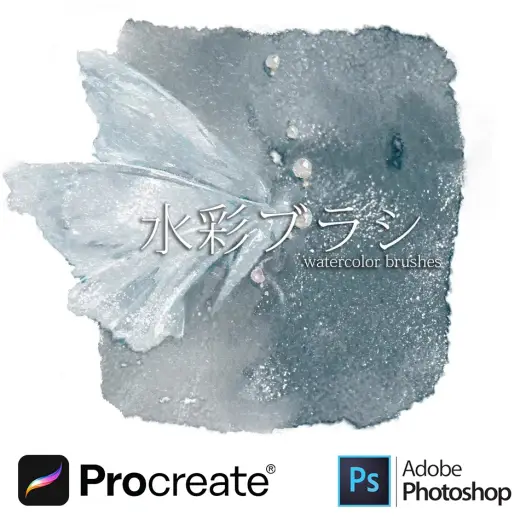
Procreate & Photoshop水彩ブラシ 30本
Brush pack for Procreate & Photoshop, paid
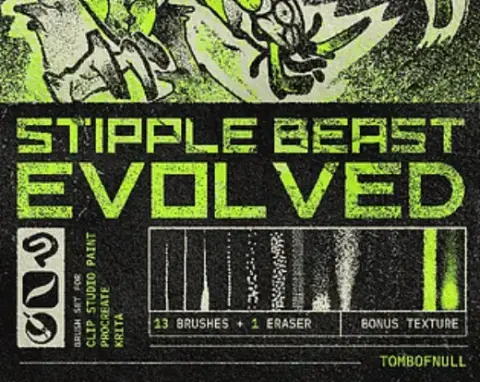
STIPPLE BEAST EVOLVED | Brush Pack
Brush pack for Procreate, Clip Studio Paint & Krita, free
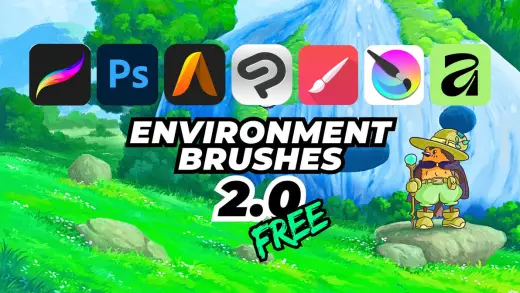
Environment Brushes 2 - Free
Brush pack for Procreate, Photoshop & Krita, free