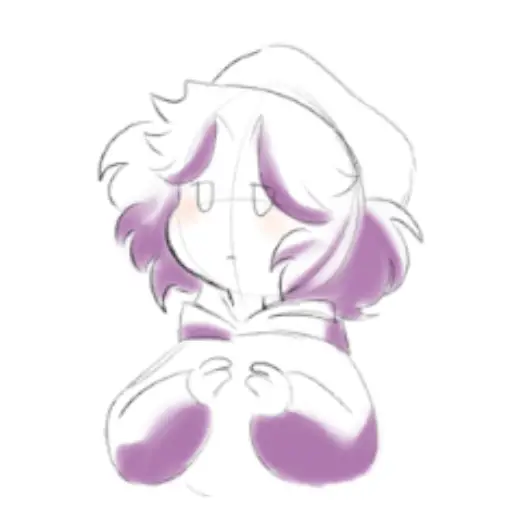
Shade and blur brush
MarkBrush pack
PriceFree
AuthorFran50x
Format.sut
Downloads245 on assets.clip-studio.com
Favorites21 on assets.clip-studio.com
Added26 August 2026
Sourceassets.clip-studio.com
Checked18 September 2026
A simple brush for shadows. using high pressure makes the brush stroke hard, while moving it slowly and gently over an area you've already painted creates a blurred. It works well for rendering figures that combine hard and soft shadows, and you can also use it for highlights or to create other effe
Brushes that make a similar mark
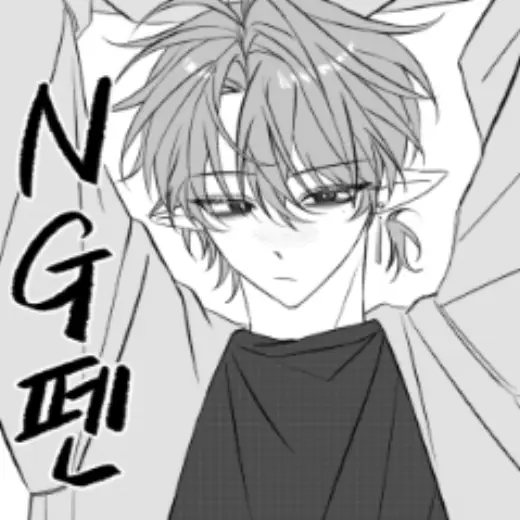
NG pen
Brush pack for Clip Studio Paint, free
![PopArt Sticker Brush [FREE 24HRS] — Clip Studio Paint brush](/assets/covers/s3b451c1f46.webp)
PopArt Sticker Brush [FREE 24HRS]
Brush pack for Clip Studio Paint, free
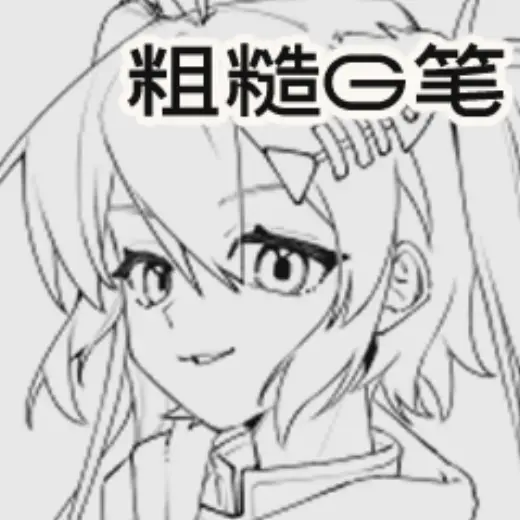
Making a rough GGG pen myself
Brush pack for Clip Studio Paint, free

Extra Brush_Seated Women 6
Brush pack for Clip Studio Paint, paid
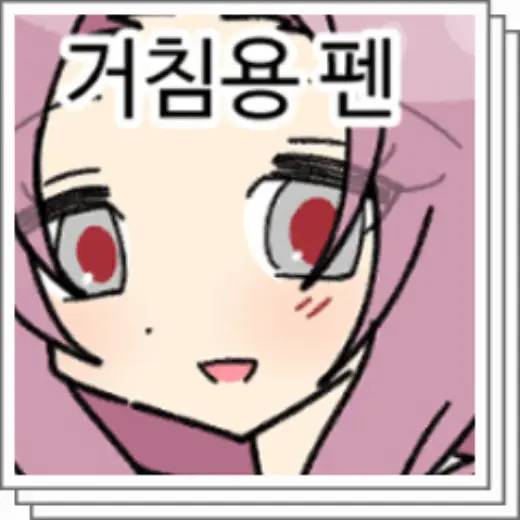
Grease pen
Brush pack for Clip Studio Paint, free
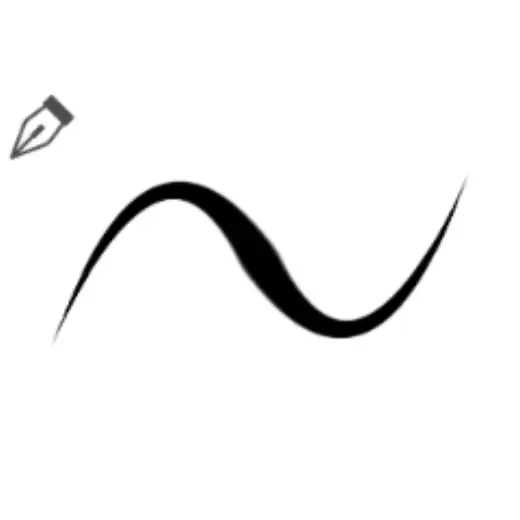
Soft Chewy Pen
Brush pack for Clip Studio Paint, free
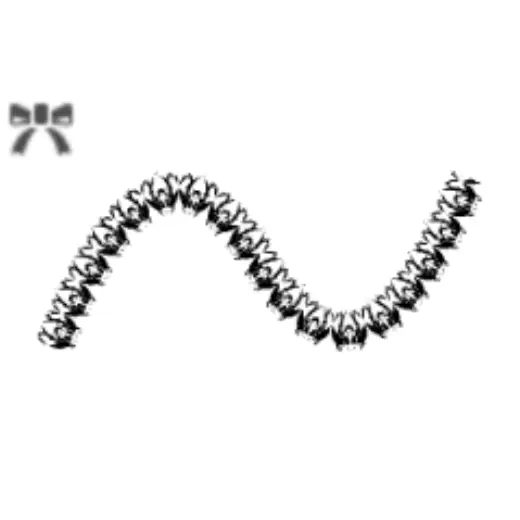
Pattern 167
Brush pack for Clip Studio Paint, free
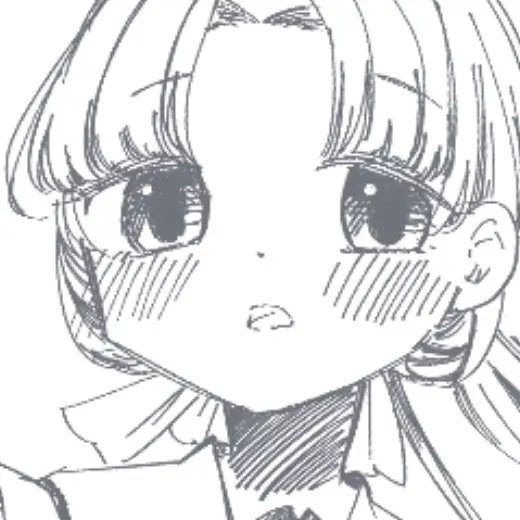
Umiyaapen
Brush pack for Clip Studio Paint, free