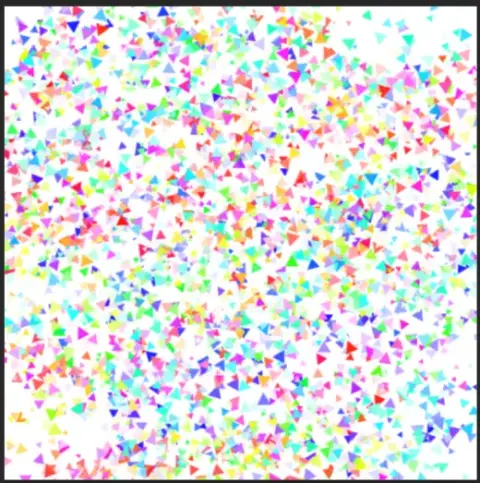
Fnaf Confetti Photoshop Brush!
The default settings create confetti particles depending on what color you selected, but you can alter the settings in the color dynamics tab, specifically the Hue jitter is what you should mess around with for a more rainbow-y confetti type Download here:
Brushes that make a similar mark
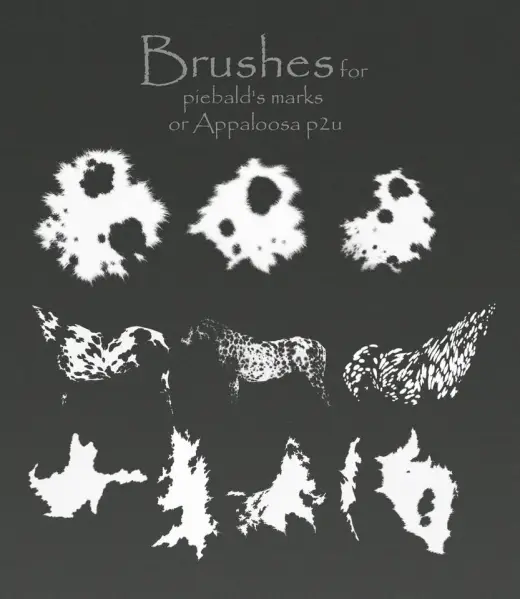
Brushes for piebald's marks or Appaloosa p2u
Brush pack for Photoshop, free
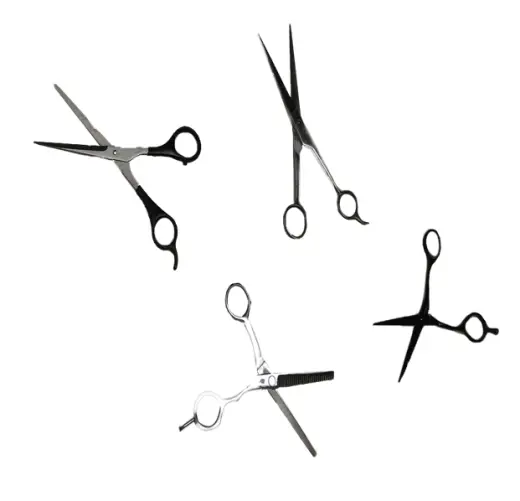
Scissors Brush for photoshop
Brush pack for Photoshop, free
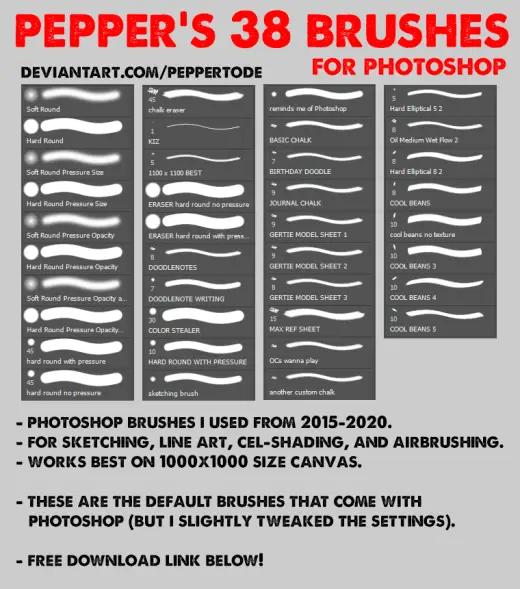
PEPPER'S 38 BRUSHES
Brush pack for Photoshop, free
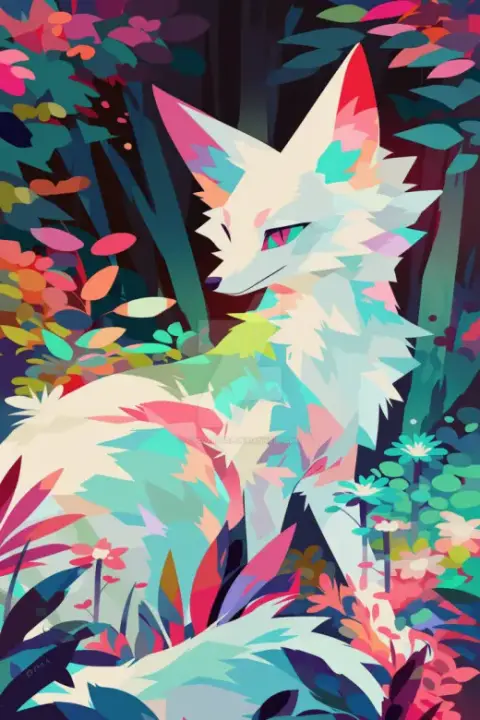
(300 dpi) A Brush with the Wild by CHCOfficial
Brush pack for Photoshop, free

Fox Brush (Colourized) in photoshop
Brush pack for Photoshop, free
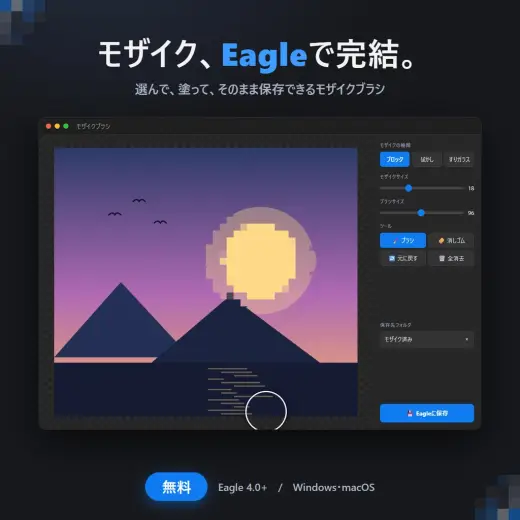
【無料】Eagle用プラグイン モザイクブラシ
Brush pack for Photoshop & Clip Studio Paint, paid

Photoshop 氷スタイルとブラシの冷感セット
Brush pack for Photoshop, paid
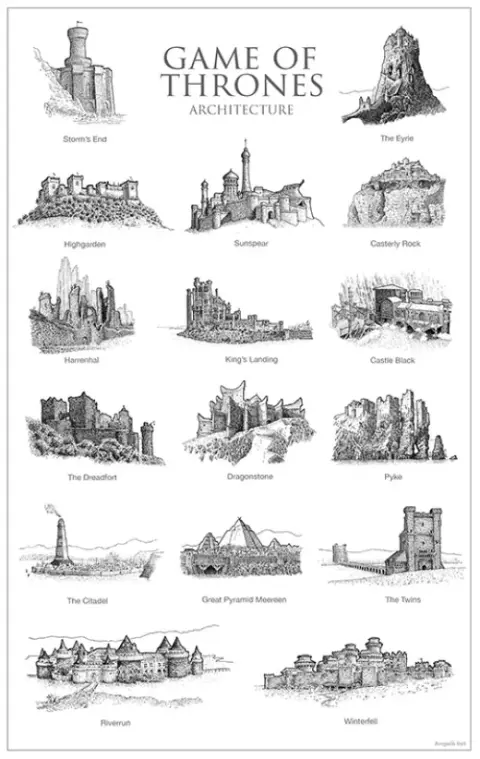
Game of Thrones Cartography Brushes
Brush pack for Photoshop, free