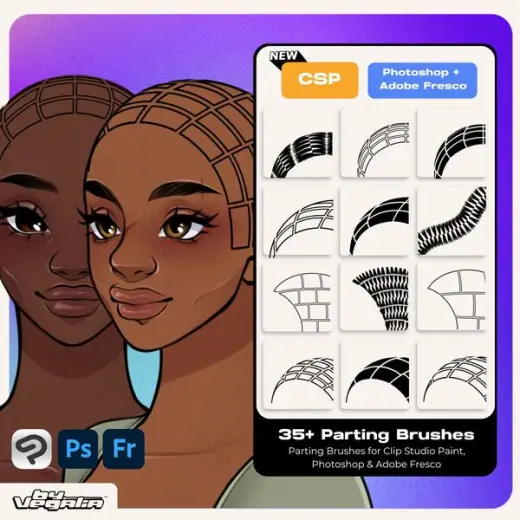
Parting Stamps for Clip Studio Paint, Photoshop & Adobe Fresco
Price$8
AuthorVegalia
Format.abr, .sut
Rating5 out of 5 from 6 ratings on Gumroad
8Front Parting Stamp (Outline + Filled)
8Perspective Parting Stamp (Outline + Filled)
83/4ths Parting Stamp (Outline + Filled)
8Side Parting Stamp (Outline + Filled)
1Stitch Braid Brush
Added5 September 2026
SourceGumroad
Checked19 September 2026
Parting brushes are all made for Clip Studio Paint, Photoshop and Adobe Fresco. This set is strict...
Brushes that make a similar mark
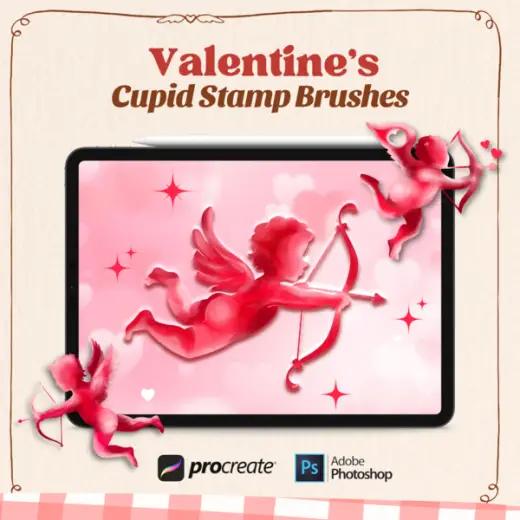
Cupid Stamp Brush Pack
Stamp for Photoshop, paid
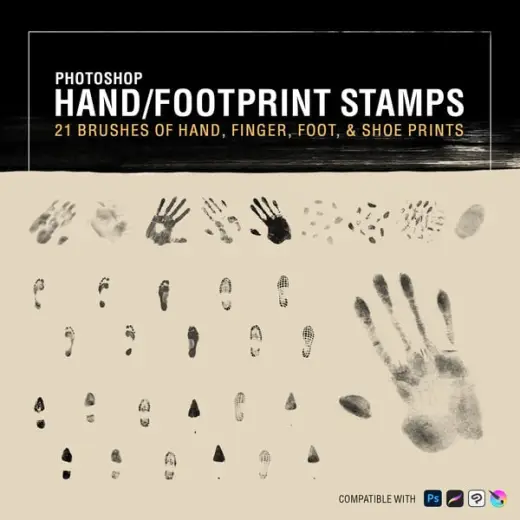
Handprint & Footprint Brush Stamps
Stamp for Photoshop, free
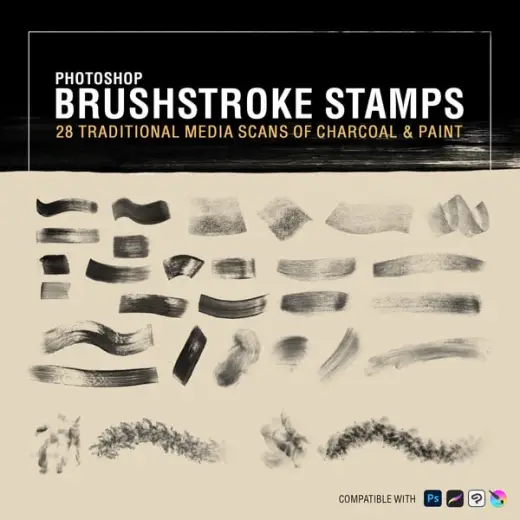
Brushstroke Stamps
Stamp for Photoshop, free
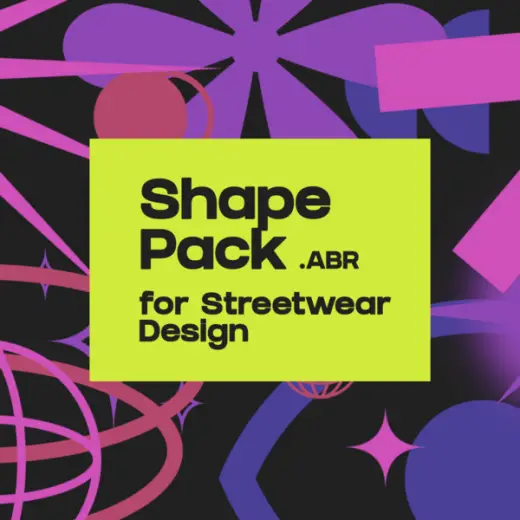
Shape Pack (Photoshop Brush) for Streetwear Design
Stamp for Photoshop, free
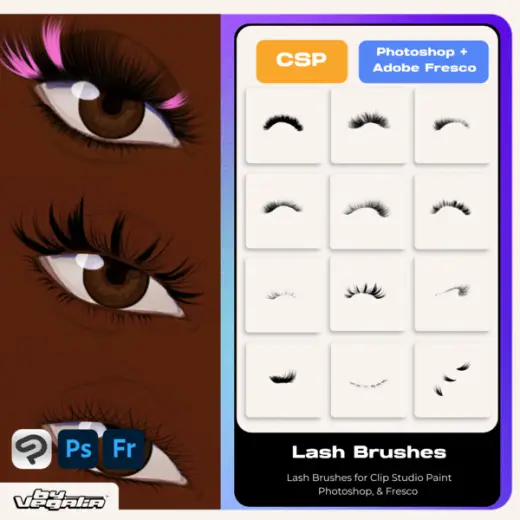
Clip Studio Paint, Photoshop & Fresco Lash Stamp Brushes By. Vegalia
Stamp for Photoshop & Clip Studio Paint, paid
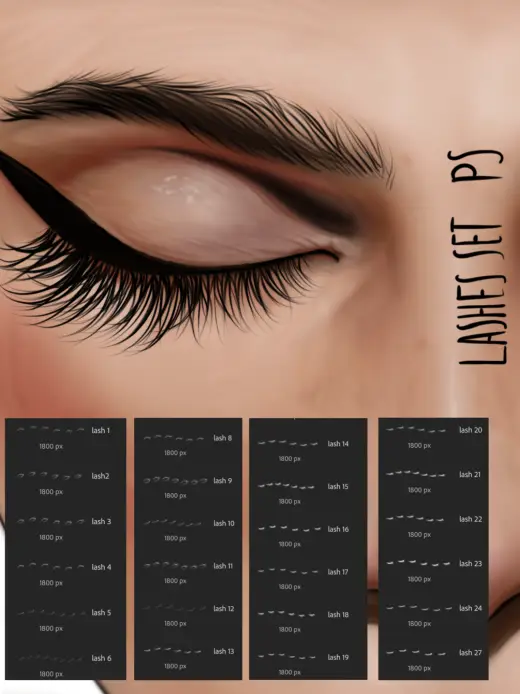
Eyelashes stamps Photoshop
Stamp for Photoshop, free
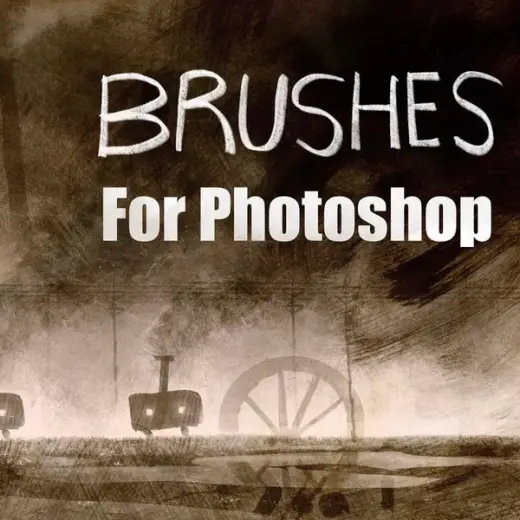
Traditional Photoshop Stamp Brushes
Stamp for Photoshop, paid
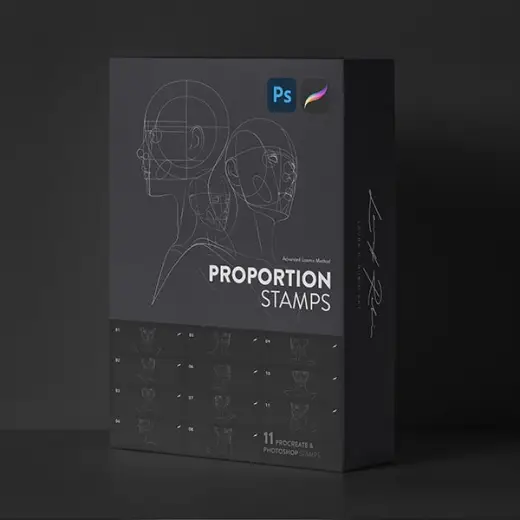
Proportion Stamps
Stamp for Photoshop, paid