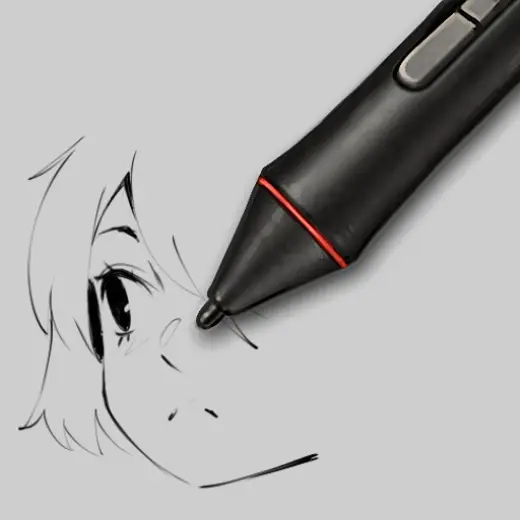
Replicating CSP's Nacho-Pen For Krita
MarkBrush pack
PriceFree
AuthorRui
Format.sut, .bundle / .kpp
Added16 October 2022
Sourcekrita-artists.org
Is there a way to replicate this brush in krita? I know i cant import directly but i feel a bit lost toggling the settings for brushes in krita
Brushes that make a similar mark
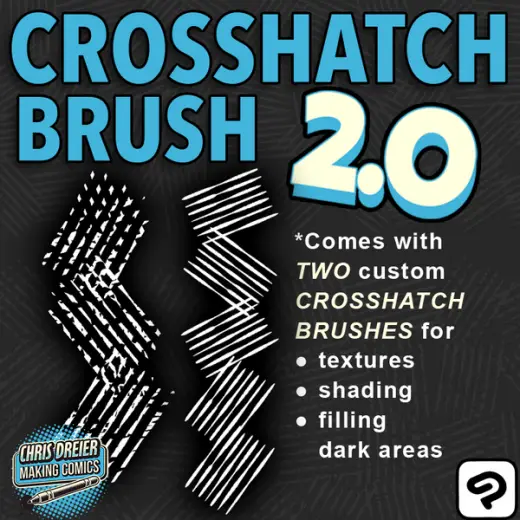
Crosshatch 2.0 Custom Brush
Brush pack for Clip Studio Paint, paid
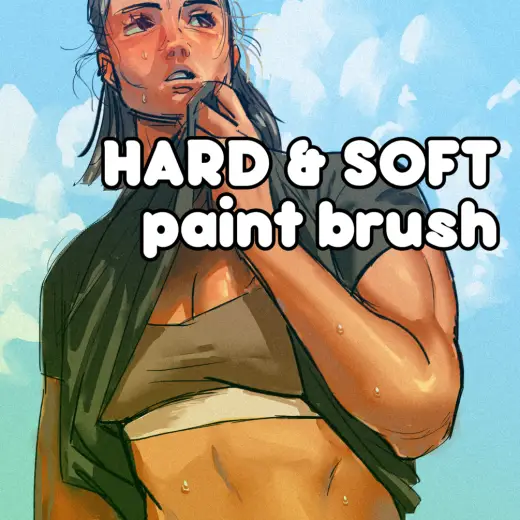
CSP Brushes: Hard & Soft
Brush pack for Clip Studio Paint, free
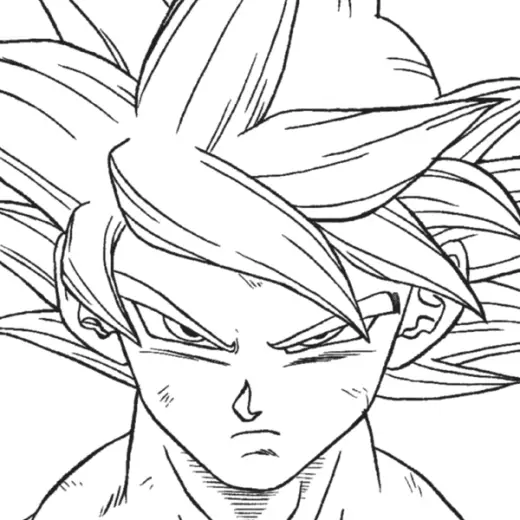
ToyoGus Lineart
Brush pack for Clip Studio Paint, paid
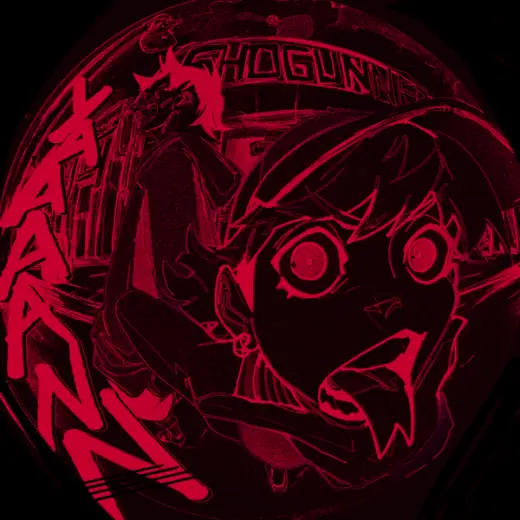
BONESAW BRUSH PACK 2025
Brush pack for Clip Studio Paint, paid
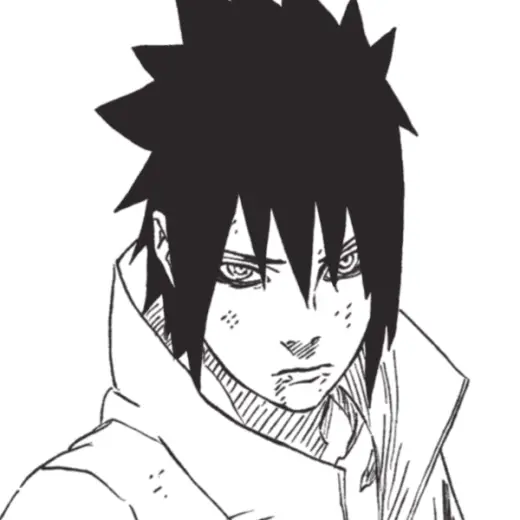
KishiGus Lineart
Brush pack for Clip Studio Paint, paid
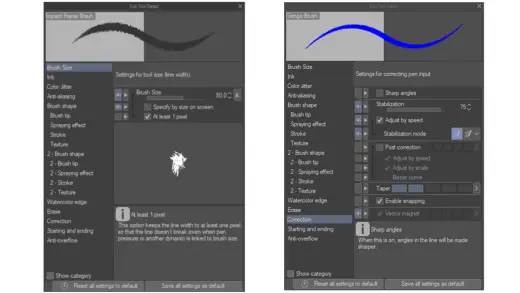
Impact Frame and Genga Brush for Animation
Brush pack for Clip Studio Paint, free
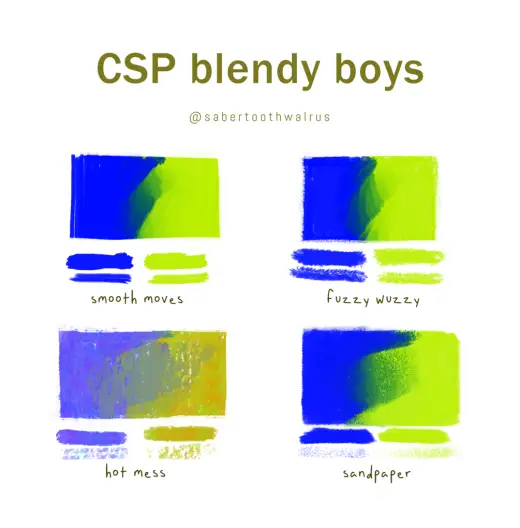
CSP Brushes: Blendy Boys
Brush pack for Clip Studio Paint, free
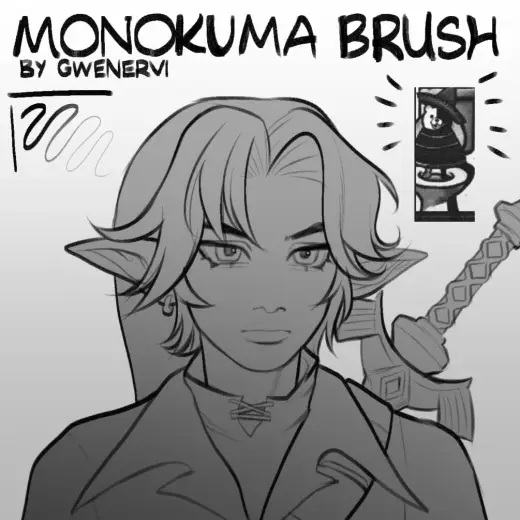
Monokuma Brush
Brush pack for Clip Studio Paint, free